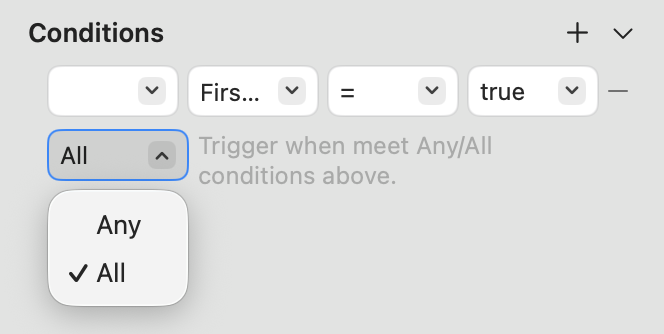
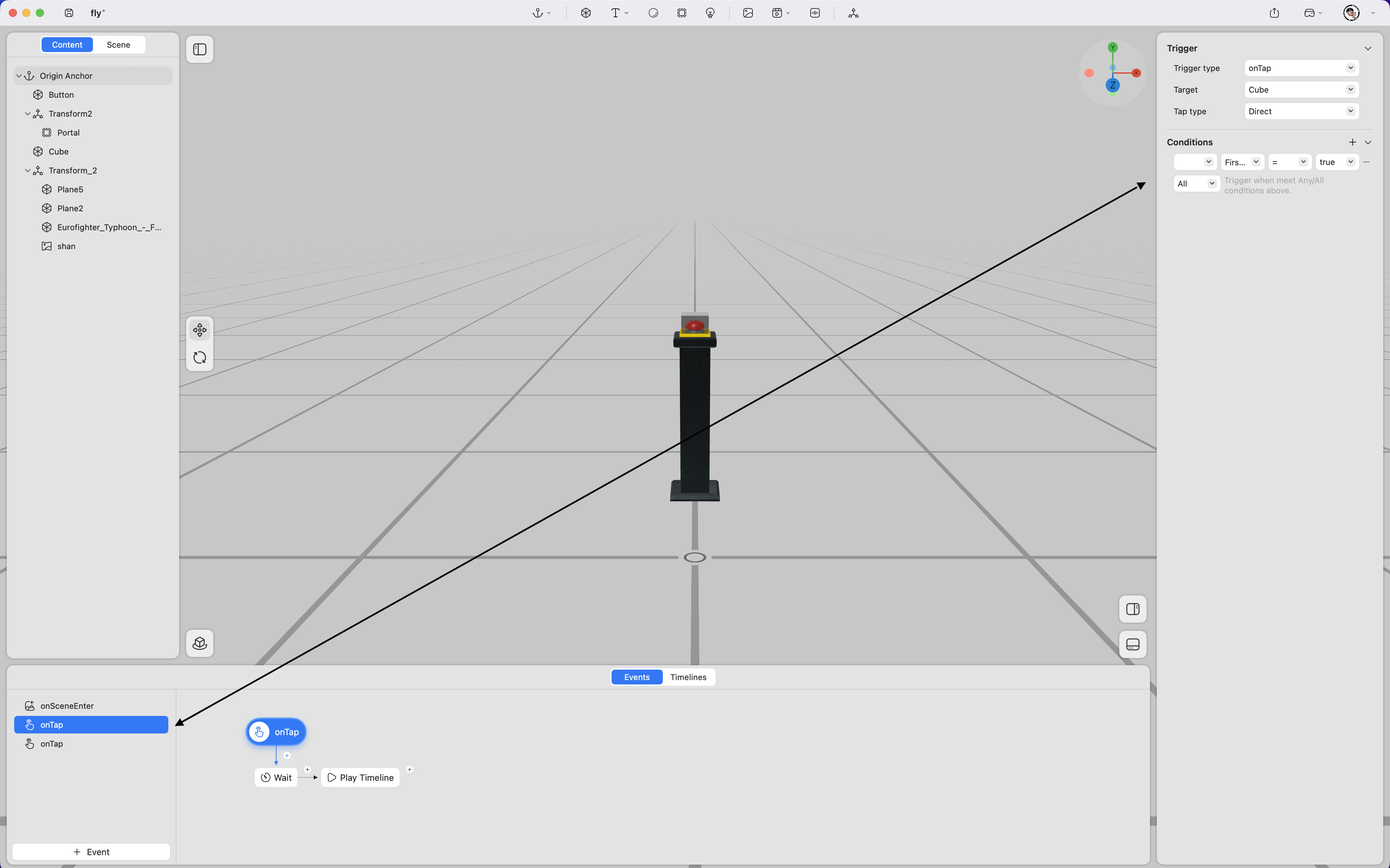
Once custom conditions have been created, they can be assigned to specific event triggers. In the Event Panel, select a event trigger, then open the Conditions section in the right-hand window to choose the preconditions required for that event.
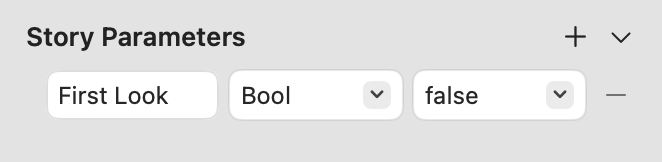
For example, if a custom condition named First Look is created with the parameters: Type: Bool Value : false
After selecting a trigger event in the Event Panel, this condition can be used as the precondition for that event. Select the trigger event, then set the condition to First Look = false. This ensures that the event is triggered only when the condition First Look = false is met.
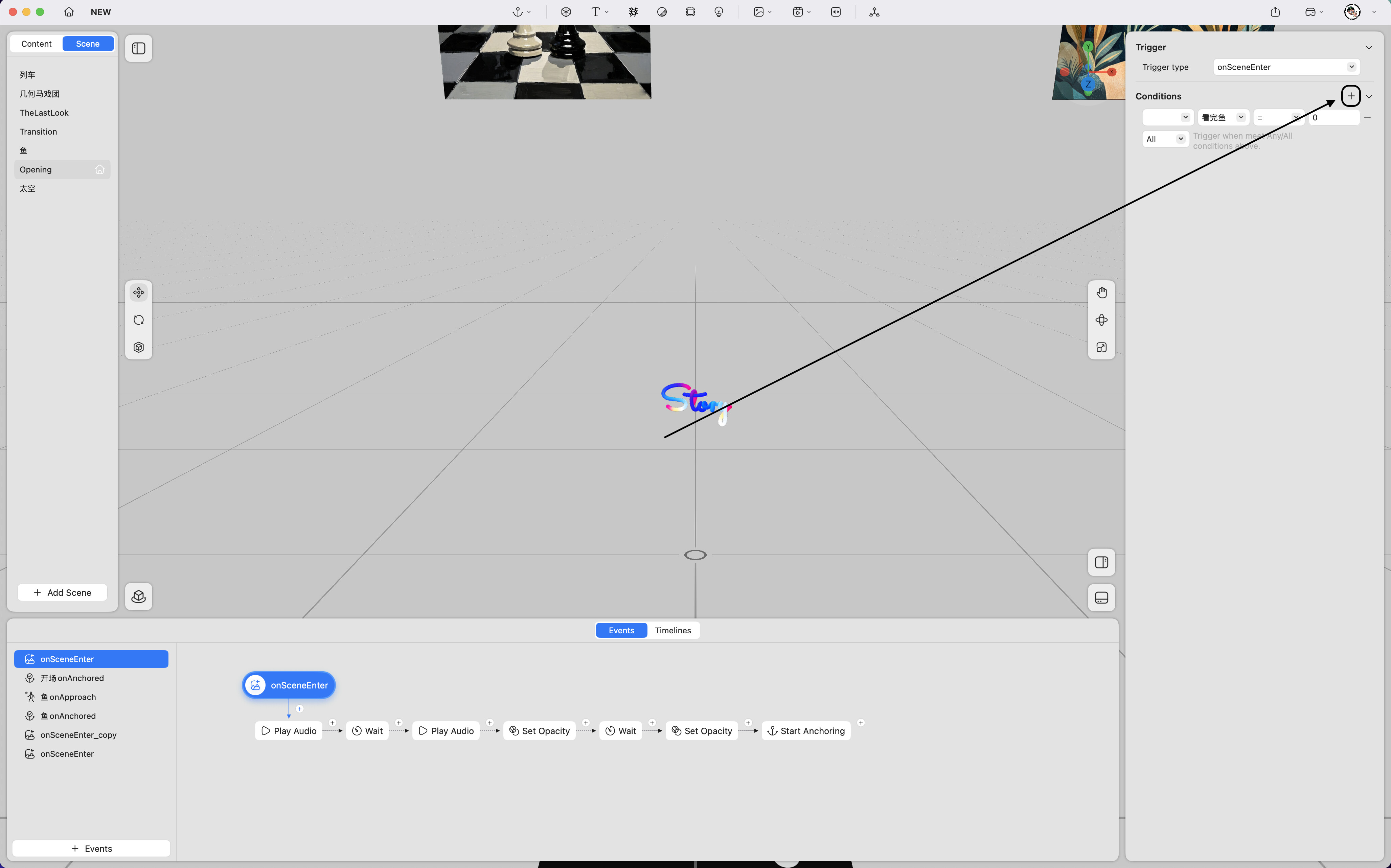
By clicking the + button on the right, additional preconditions can be added for the same event trigger.
All and Any options:
-
All – The event will only trigger when all listed conditions are satisfied.
-
Any – The event will trigger when any one of the listed conditions is satisfied.