Interaction event triggers detect the viewer’s gestures, gaze, and spatial position.
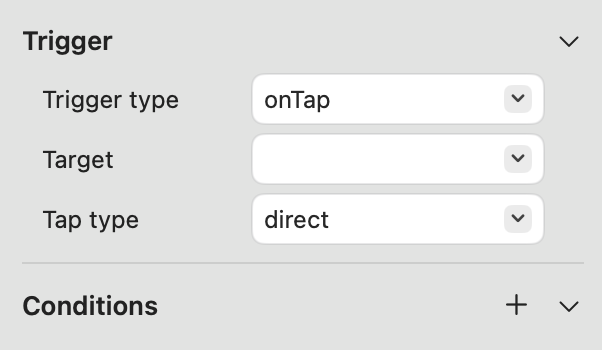
onTap
-
Trigger Type: Modifies the event trigger type.
-
Target: Specifies which content triggers the event upon being tapped.
-
Tap Type: Selects the tap method — Direct (hand touch) or Indirect (gaze-based air tap).
-
Conditions: Sets the preconditions required to trigger the event.
Custom logic can be configured using Trigger Conditions.
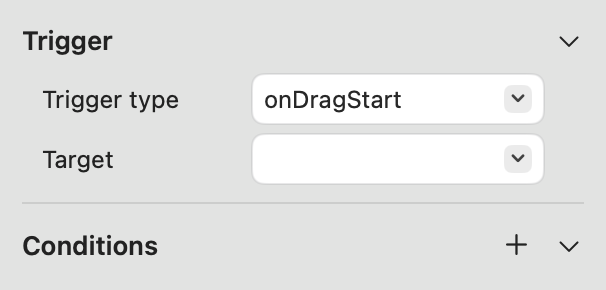
onDragStart
-
Trigger Type: Modifies the event trigger type.
-
Target: Specifies which content triggers the event when dragging starts.
-
Conditions: Sets the preconditions required to trigger the event.
Custom logic can be configured using Trigger Conditions.
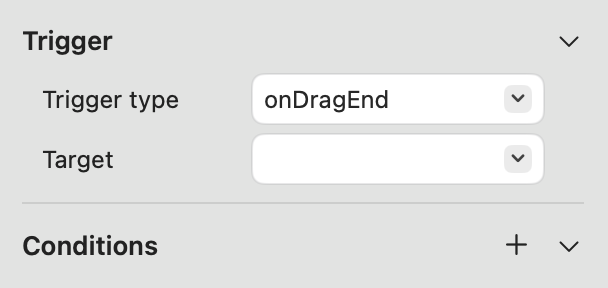
onDragEnd
-
Trigger Type: Modifies the event trigger type.
-
Target: Specifies which content triggers the event when dragging ends.
-
Conditions: Sets the preconditions required to trigger the event.
Custom logic can be configured using Trigger Conditions.
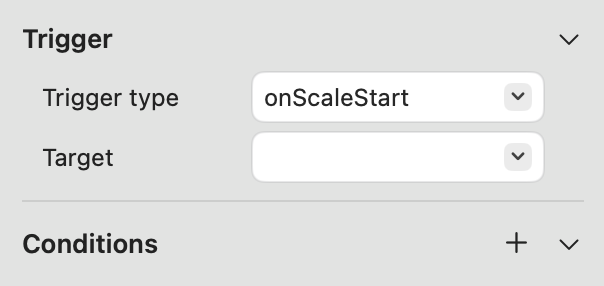
onScaleStart
-
Trigger Type: Modifies the event trigger type.
-
Target: Specifies which content triggers the event when scaling starts.
-
Conditions: Sets the preconditions required to trigger the event.
Custom logic can be configured using Trigger Conditions.
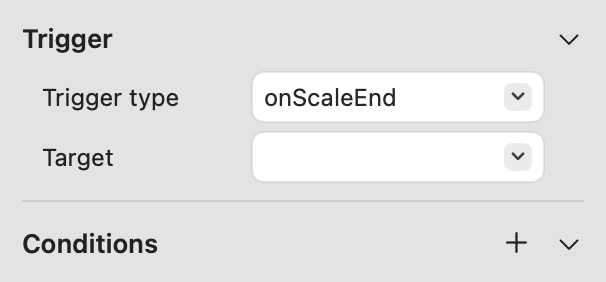
onScaleEnd
-
Trigger Type: Modifies the event trigger type.
-
Target: Specifies which content triggers the event when scaling ends.
-
Conditions: Sets the preconditions required to trigger the event.
Custom logic can be configured using Trigger Conditions.
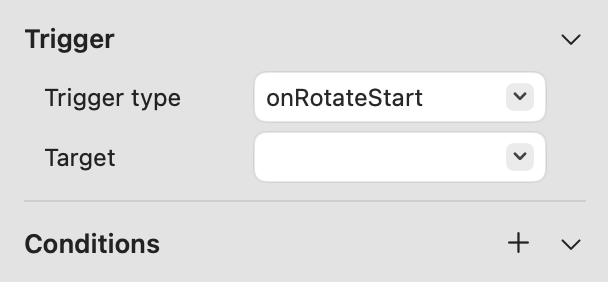
onRotateStart
-
Trigger Type: Modifies the event trigger type.
-
Target: Specifies which content triggers the event when rotation starts.
-
Conditions: Sets the preconditions required to trigger the event.
Custom logic can be configured using Trigger Conditions.
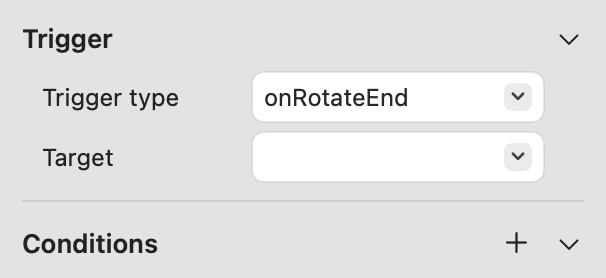
onRotateEnd
-
Trigger Type: Modifies the event trigger type.
-
Target: Specifies which content triggers the event when rotation ends.
-
Conditions: Sets the preconditions required to trigger the event.
Custom logic can be configured using Trigger Conditions.
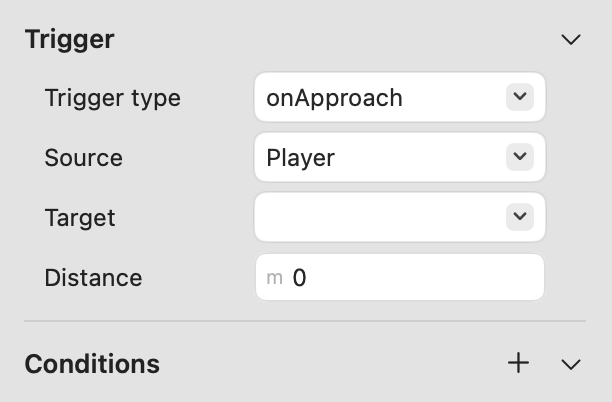
onApproach
-
Trigger Type: Modifies the event trigger type.
-
Source: Selects whether the trigger source is the Player or another content object.
-
Target: Specifies which content triggers the event when approached.
-
Distance: Defines the distance threshold for triggering the event.
-
Conditions: Sets the preconditions required to trigger the event.
Custom logic can be configured using Trigger Conditions.
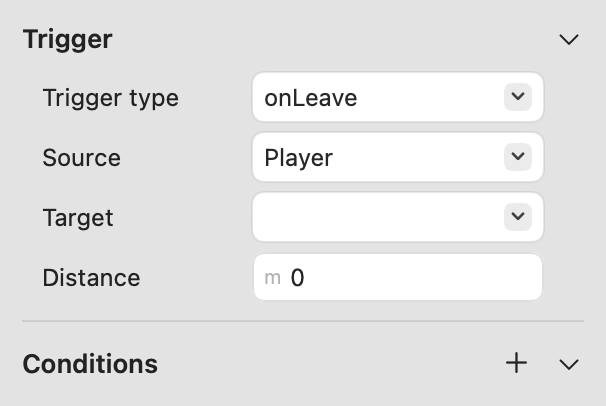
onLeave
-
Trigger Type: Modifies the event trigger type.
-
Source: Selects whether the trigger source is the Player or another content object.
-
Target: Specifies which content triggers the event when moving away.
-
Distance: Defines the distance threshold for triggering the event.
-
Conditions: Sets the preconditions required to trigger the event.
Custom logic can be configured using Trigger Conditions.
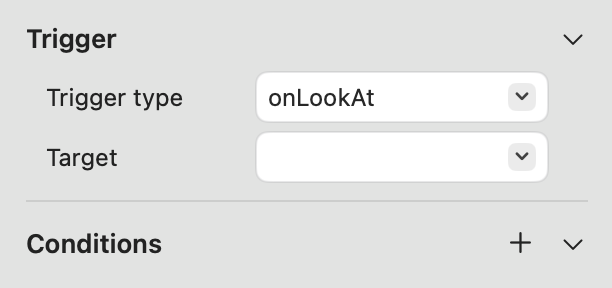
onLookAt
-
Trigger Type: Modifies the event trigger type.
-
Target: Specifies which content triggers the event when the viewer’s gaze focuses on it.
-
Conditions: Sets the preconditions required to trigger the event.
Custom logic can be configured using Trigger Conditions.
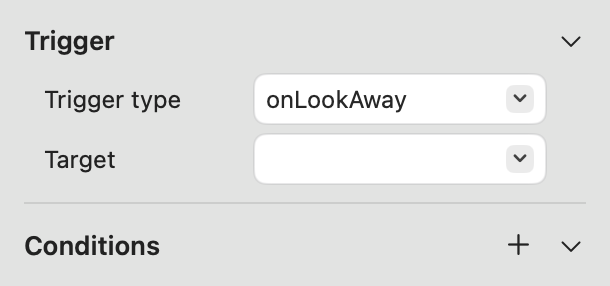
onLookAway
-
Trigger Type: Modifies the event trigger type.
-
Target: Specifies which content triggers the event when the viewer’s gaze moves away.
-
Conditions: Sets the preconditions required to trigger the event.
Custom logic can be configured using Trigger Conditions.
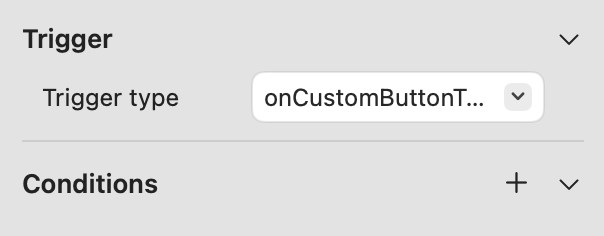
onCustomButtonTap
-
Trigger Type: Modifies the event trigger type.
-
Conditions: Sets the preconditions required to trigger the event.
Custom logic can be configured using Trigger Conditions.