Overview
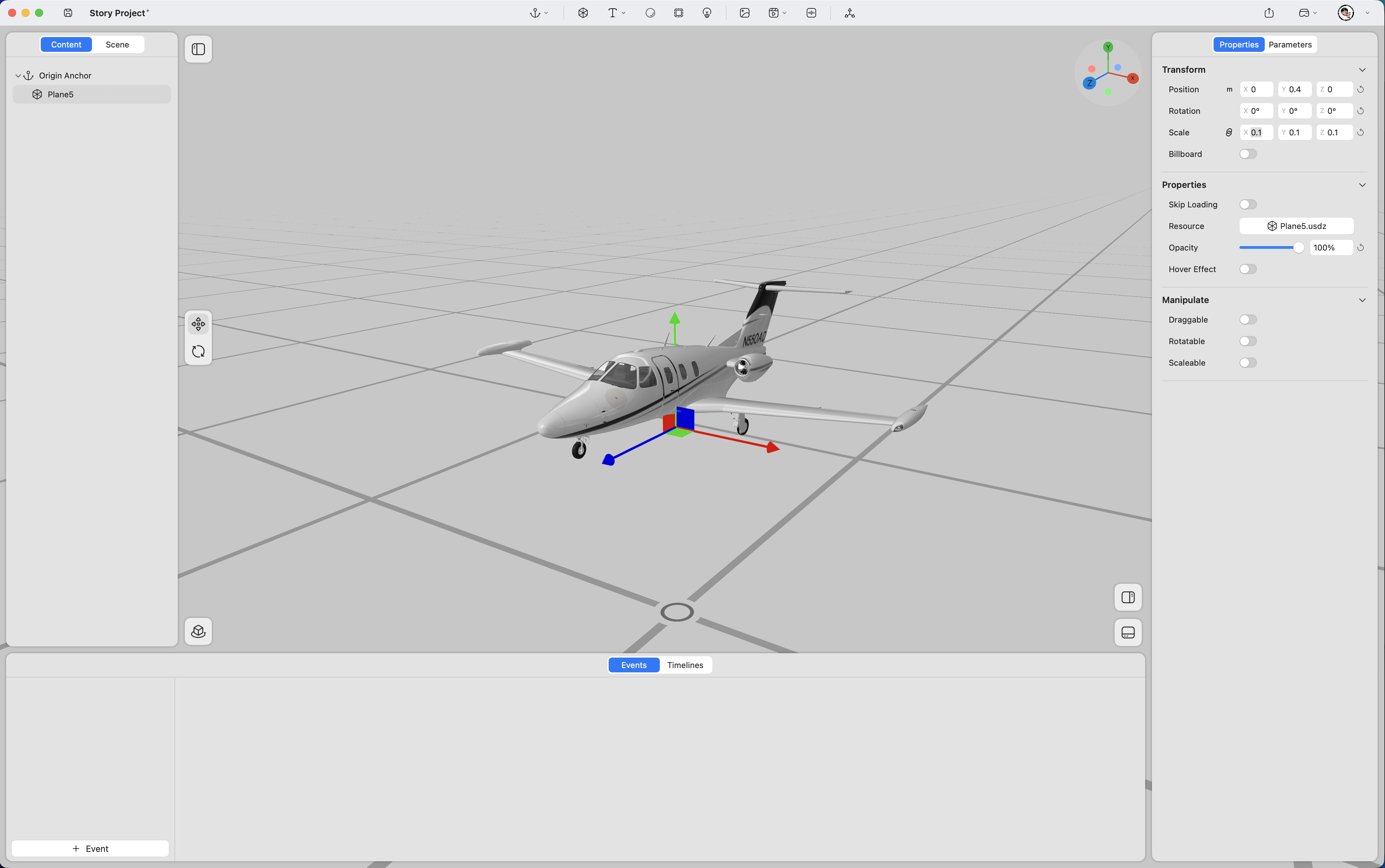
The Viewport is located at the center of the interface. It provides a real-time preview of how assets are positioned within the spatial environment. Users can adjust the viewing angle and perspective through basic gesture controls to inspect the scene from different viewpoints.
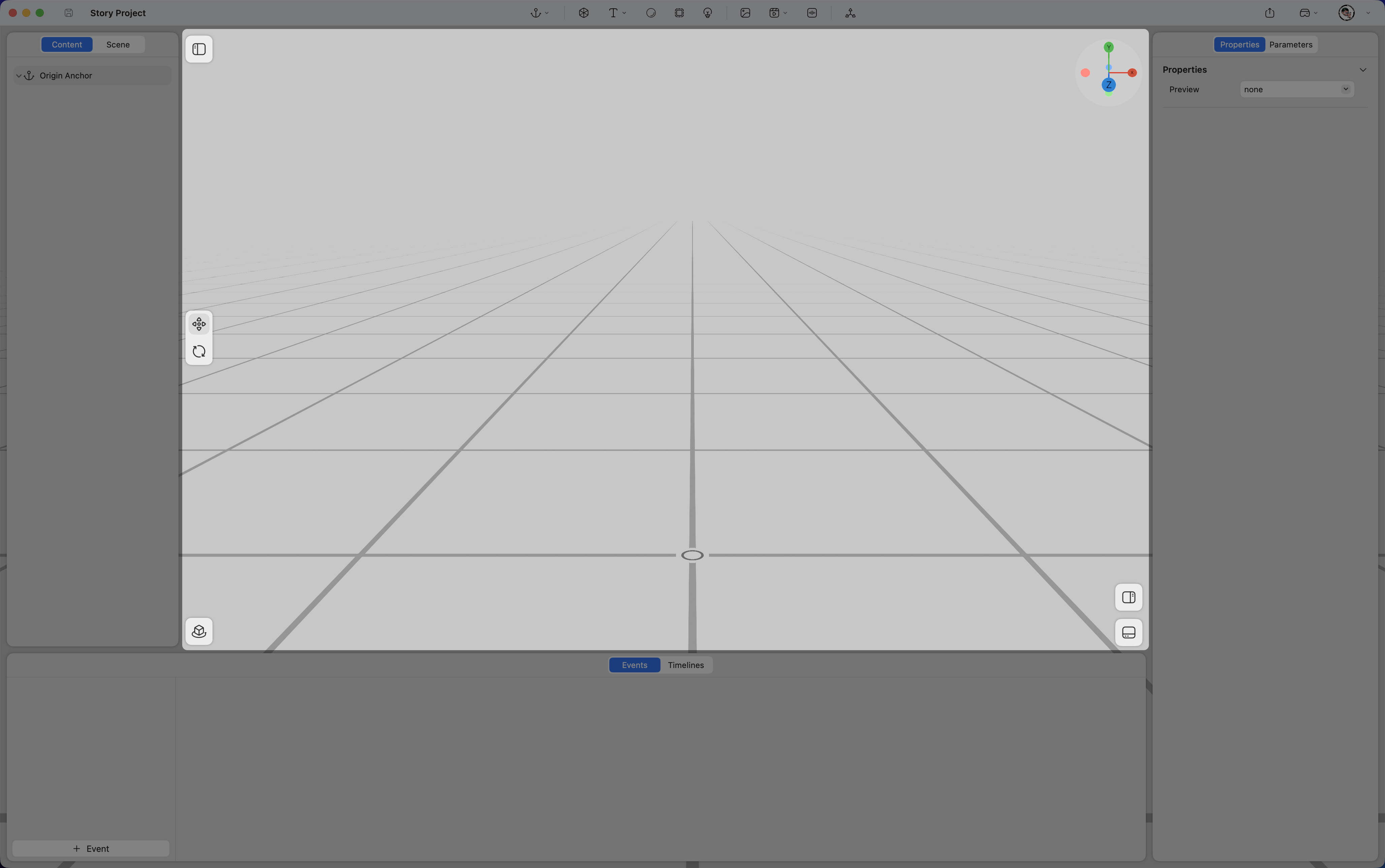
Viewport Controls
Camera Control
| Controls | Mouse+Keyboard | Trackpad+Keyboard |
|---|---|---|
| Center Orbit | left key drag | press down & move |
| Camera Rotate | Option + left key drag | Option + press down & move |
| Pan | * command + Left key drag * right key drag |
Double finger pan gesture |
| Zoom | Scroll | Double finger zoom gesture |
| Focus | * Select target, press F key * Double click targer |
Object Control
When selected a target, drag the gizmo to move and rotate.