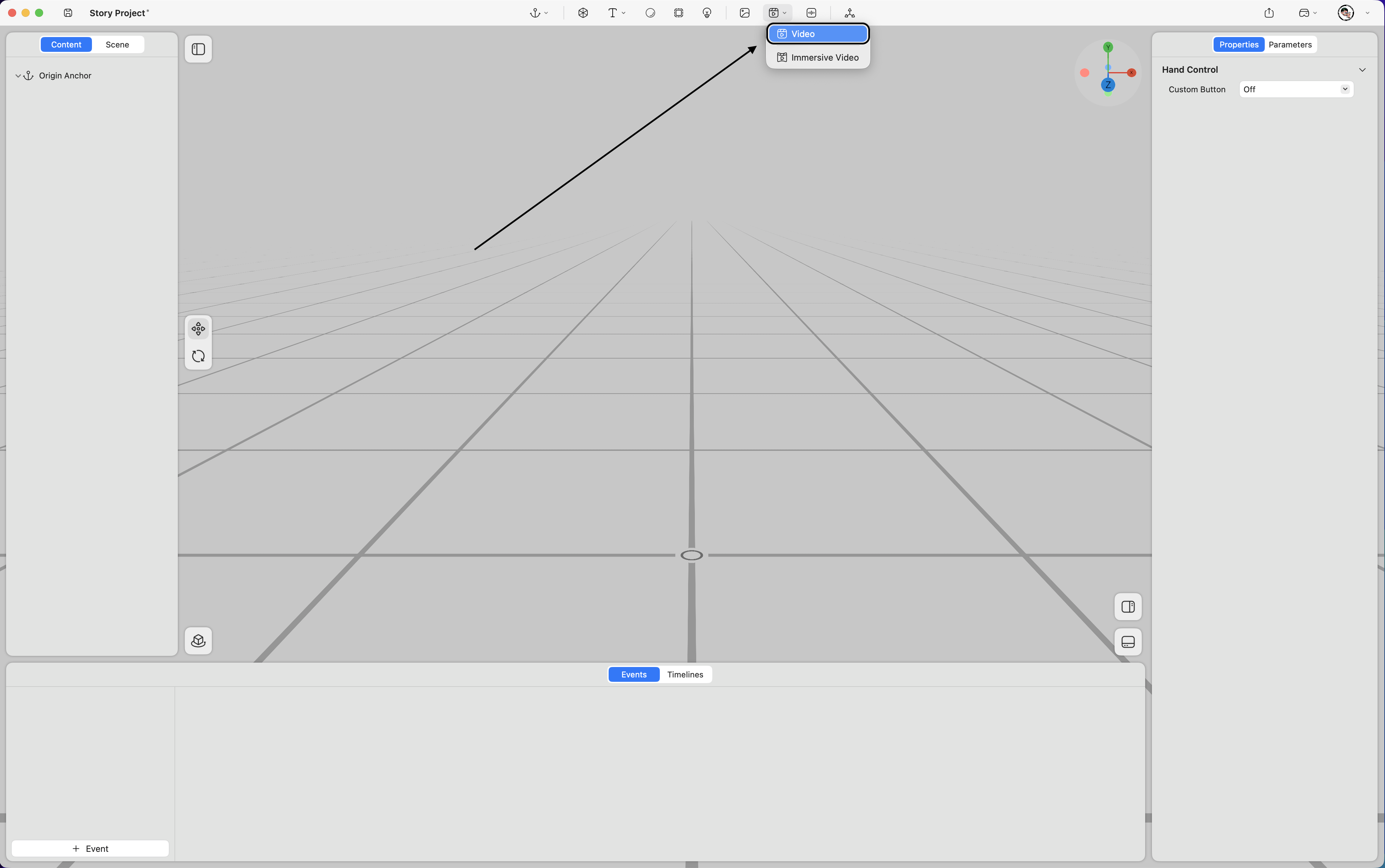
Supports the use of various video types within the spatial environment, including flat videos, spatial videos, and transparent-background videos.
Property
-
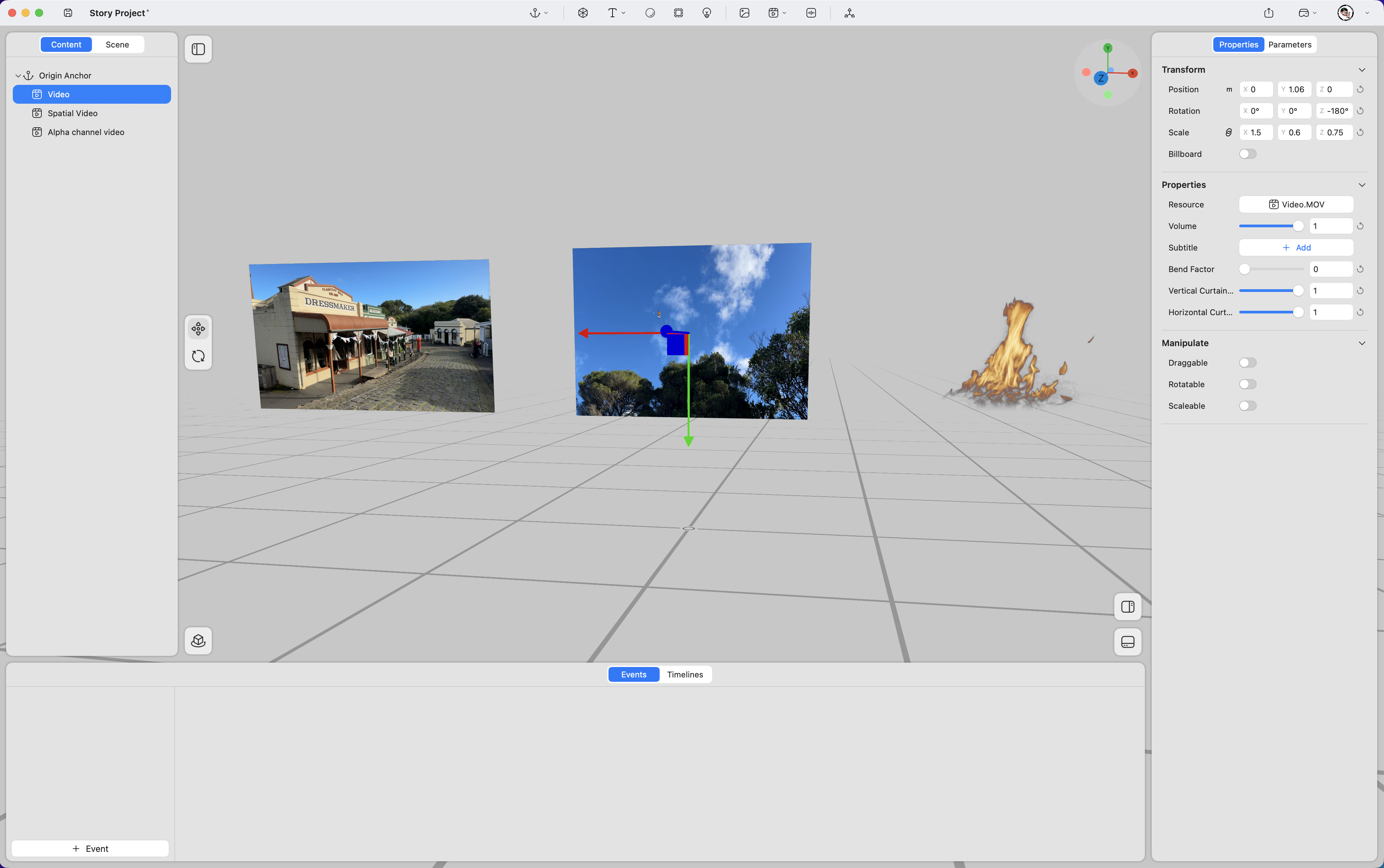
Position – Adjusts the video’s position in space (unit: meters). (Keyframe support
 )
) -
Rotation – Adjusts the video’s rotation in space (unit: degrees). (Keyframe support
) -
Scale – Adjusts the video’s size (value “1” represents 100%). (Keyframe support
) -
Billboard – When enabled, the video automatically faces the viewer’s perspective at all times.
-
Resource – Replaces the video asset.
-
Volume – Adjusts the audio volume (range 0–1, where 1 represents 100%). (Keyframe support
) -
Subtitle – Adds an external subtitle file.
-
Bend Factor – Controls the horizontal curvature of the video. (Keyframe support
) -
Vertical Curtain Progress – Crops the video vertically. (Keyframe support
) -
Horizontal Curtain Progress – Crops the video horizontally. (Keyframe support
)
-
Draggable – Allows the video to be repositioned in space by dragging.
-
Rotatable – Allows the video to be rotated in space.
-
Scalable – Allows the video to be resized in space.