Properties Panel
Overview:
When different content items are selected, their corresponding adjustable parameters will appear in this panel. The available parameters vary depending on the selected content.
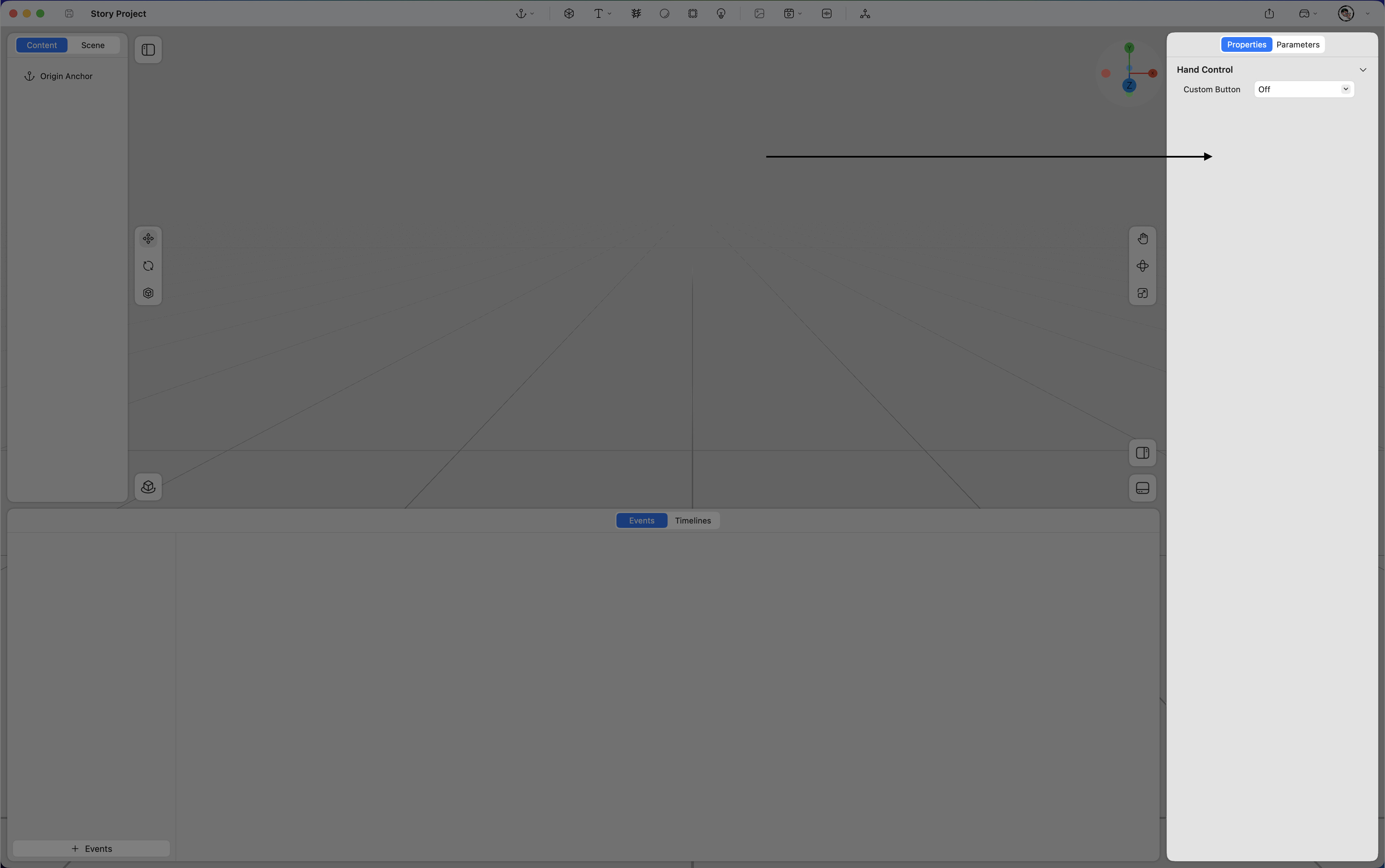
Hand Control
You can add a custom hand control button here.
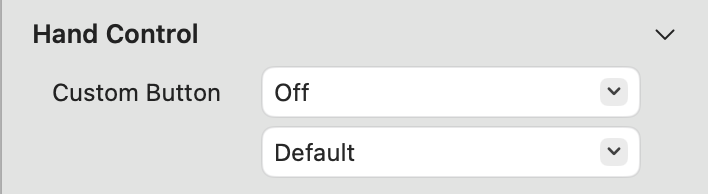
Preview
Select a standing or seated human model to preview the default position for realistic content presentation.
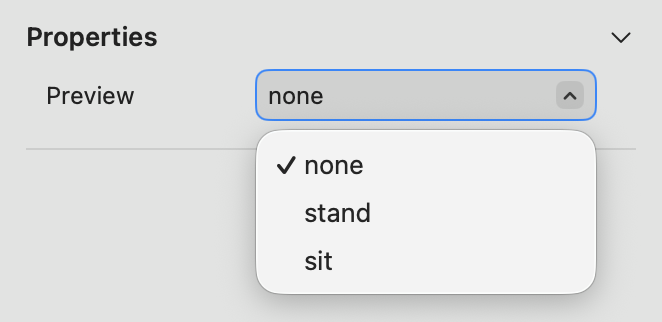
Parameters Panel
Overview:
In the Parameters panel, you can create custom conditions for each content item. These conditions can later be referenced when defining events to achieve specific behaviors.
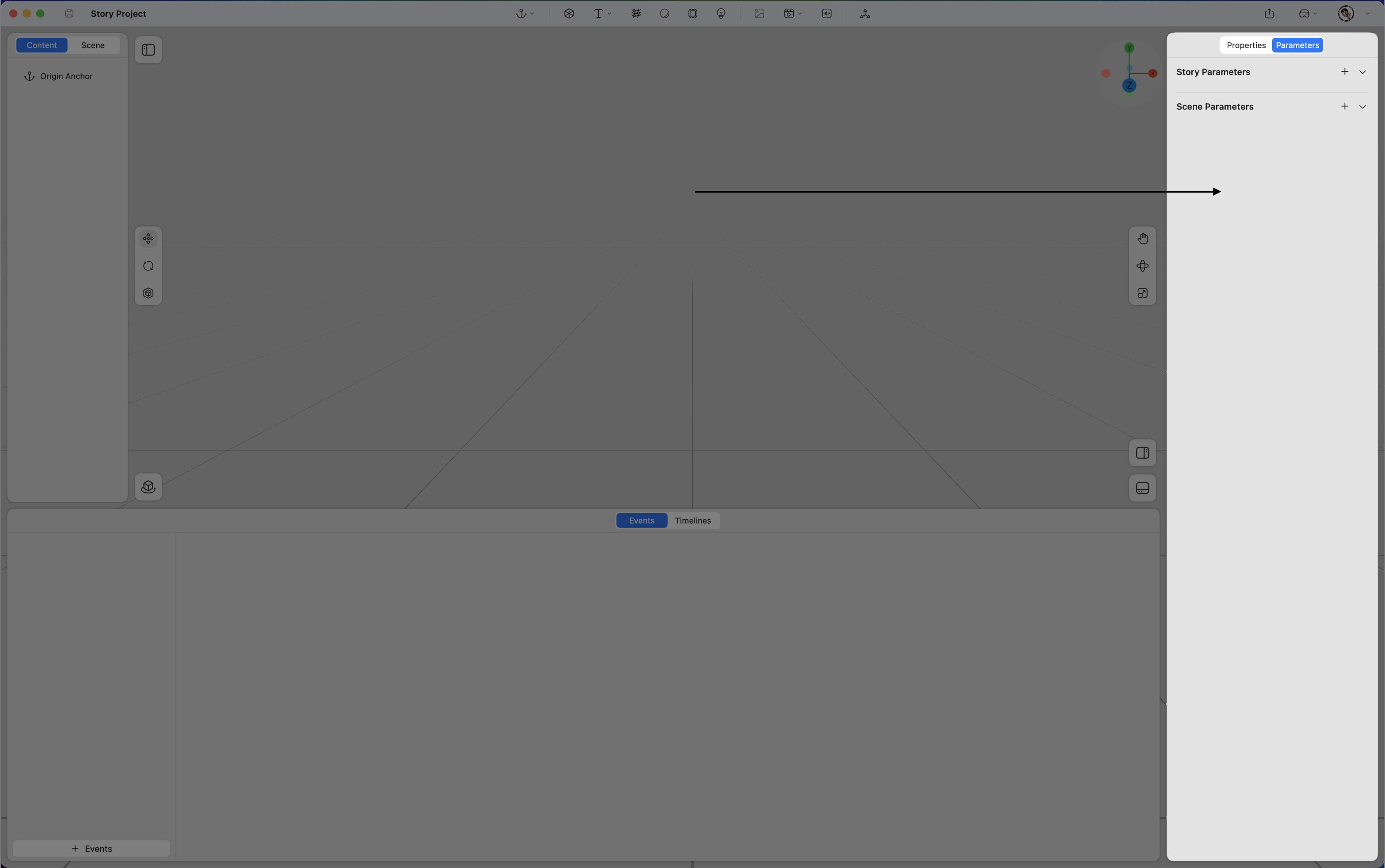
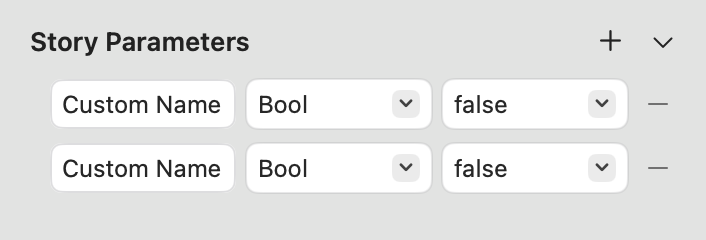
Story Parameters
Add Story Parameters in this category to serve as preconditions for events. These parameters will not reset when switching between scenes.
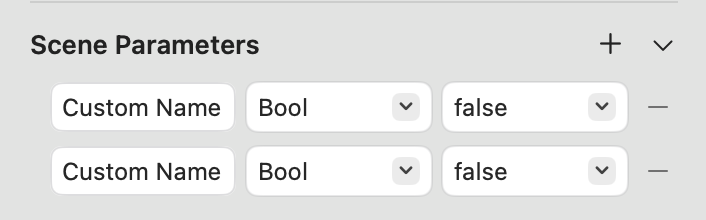
Scene Parameters
Add Scene Parameters in this category to serve as preconditions for events. These parameters will reset when switching between scenes.
Parameters
Add Content Parameters in this category to serve as preconditions for events. These parameters will reset when switching between scenes.
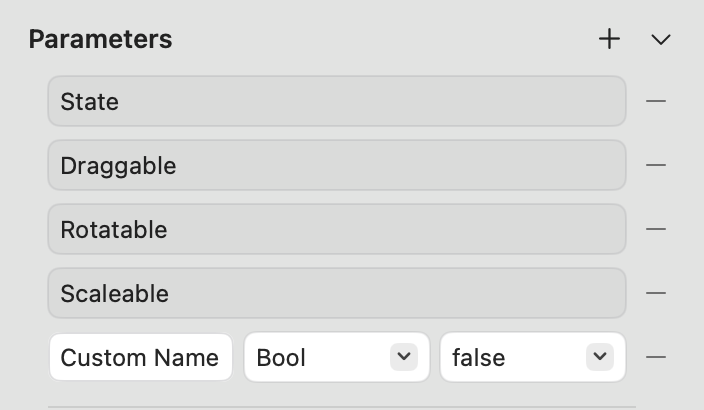
State
-
Draggable: Enables movement of the content within the scene.
-
Rotatable: Allows rotation of the content.
-
Scalable: Allows resizing of the content.