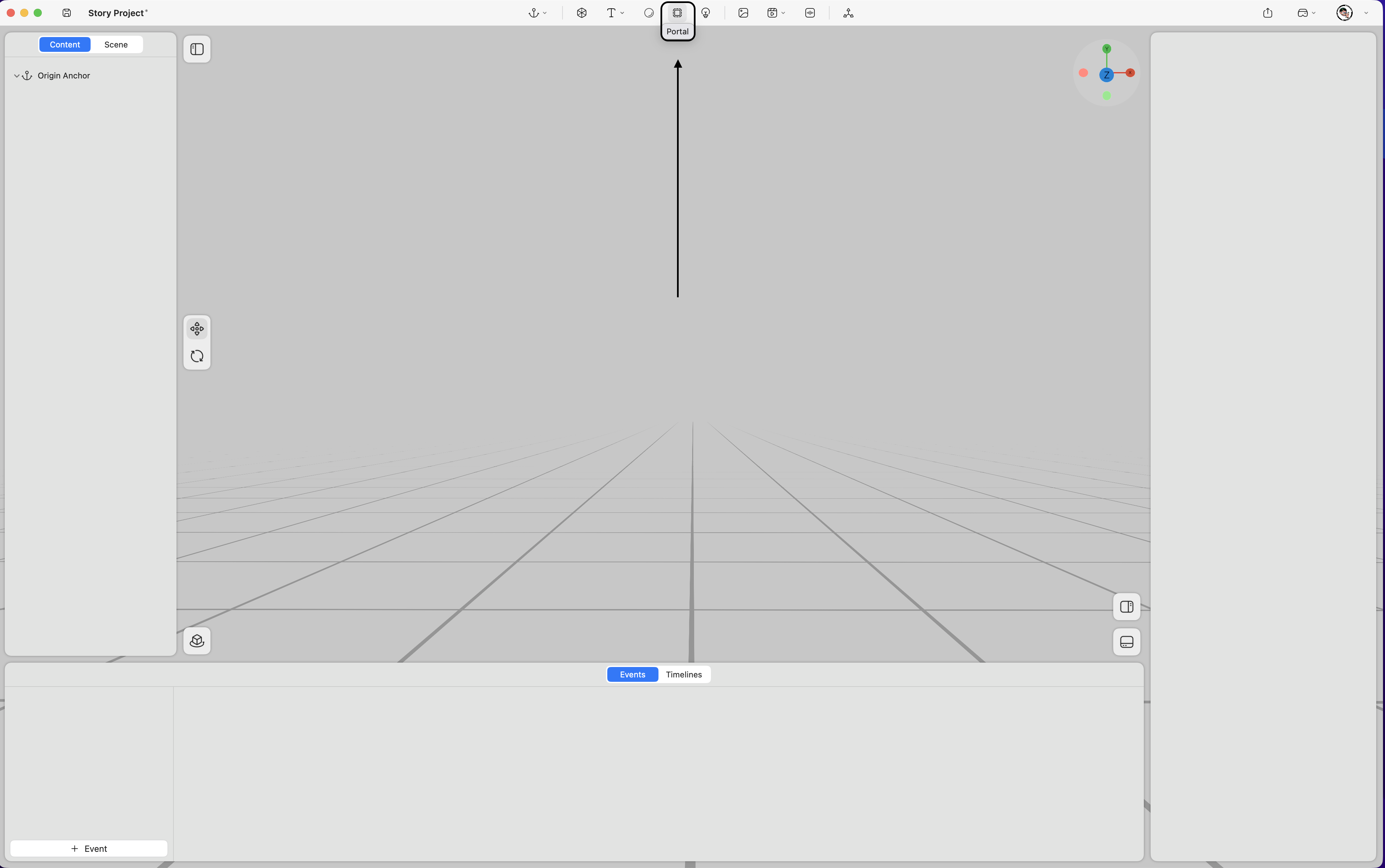
Supports adding portal effects within the space.
Property
-
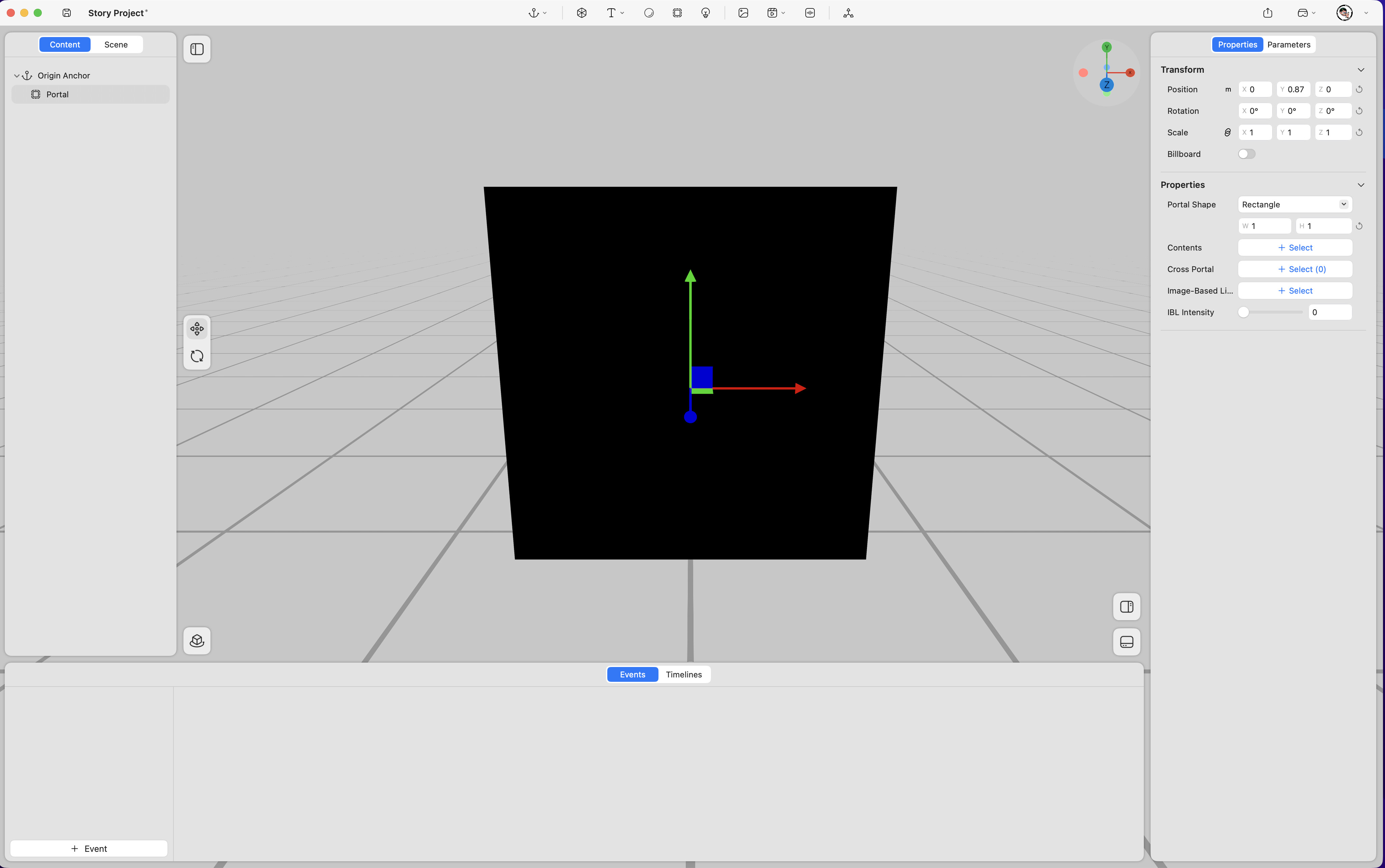
Position – Adjusts the portal’s position in space (unit: meters). (Keyframe support
 )
) -
Rotation – Adjusts the portal’s rotation in space (unit: degrees). (Keyframe support
) -
Scale – Adjusts the portal’s size (value “1” represents 100%). (Keyframe support
) -
Billboard – When enabled, the portal automatically faces the viewer’s perspective at all times.
-
Portal Shape – Selects the portal’s shape. Options include:
- Rectangle: Adjustable width and height (unit: meters).
- Circle: Adjustable diameter (unit: meters).
-
Contents – Assigns content from the content panel to appear inside the portal.
-
Cross Portal – Specifies which virtual objects can pass through the portal into the user’s real-world space.
-
Image-Based Lighting (IBL) – Adds an HDR image to illuminate the portal’s interior.
-
IBL Intensity – Adjusts the brightness of the image-based lighting through numerical input.