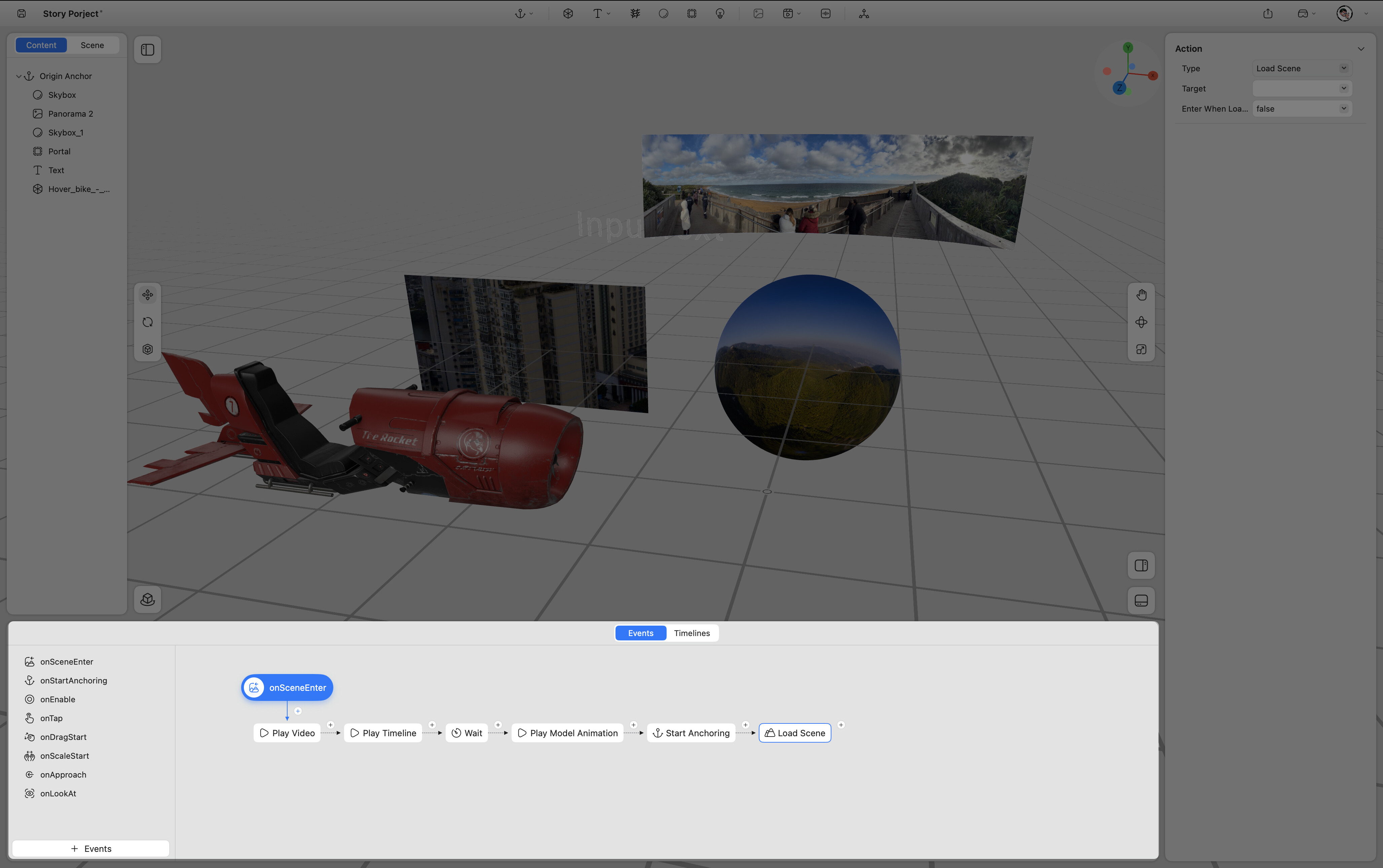
Content Panel
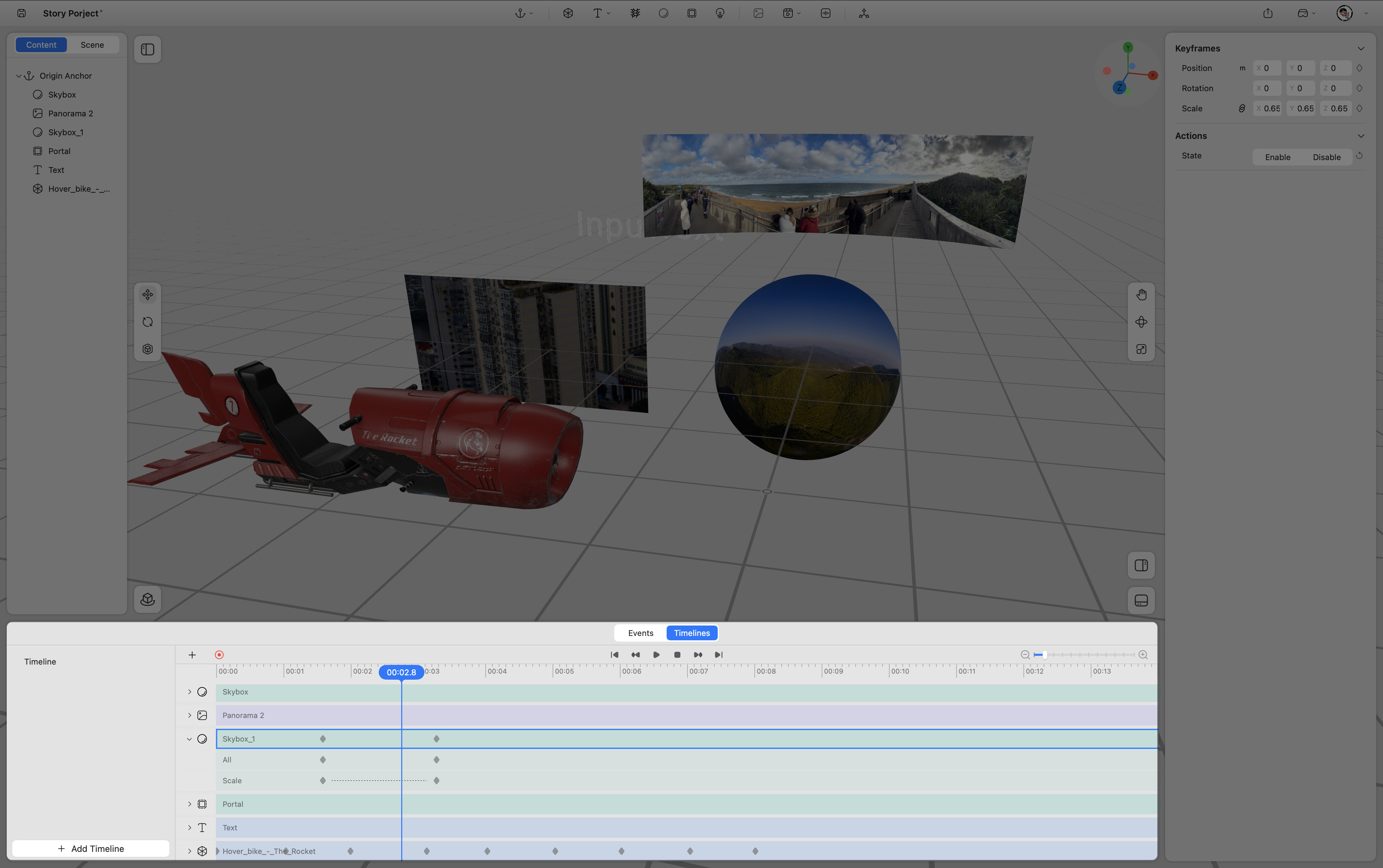
All elements added to a project are displayed in the Content Panel. This panel allows users to organize and manage assets by grouping or rearranging them within the scene.
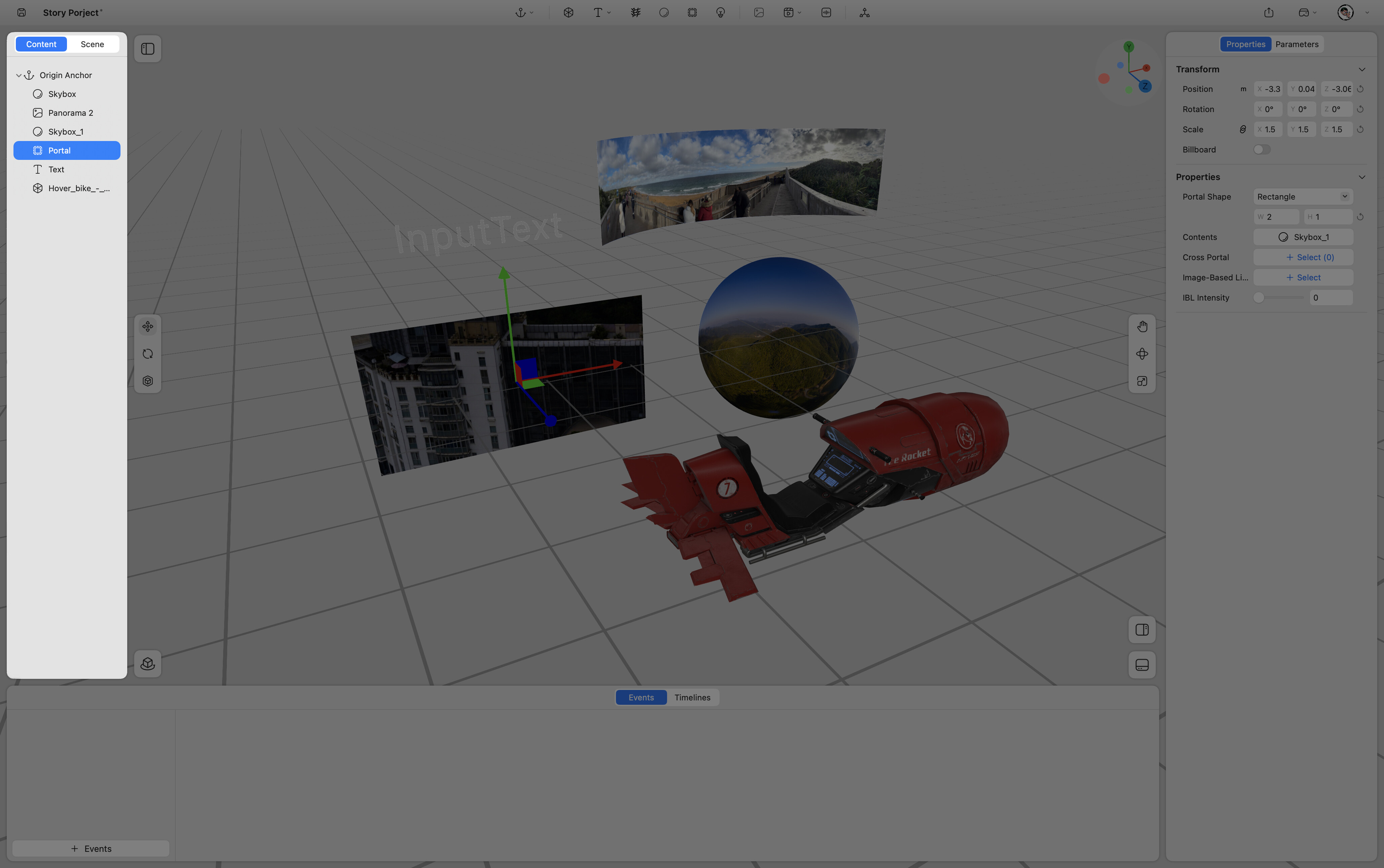
Viewport
The Viewport provides a real-time preview of spatial content. Users can view the scene from different perspectives and adjust the position, orientation, and scale of objects within the 3D space.
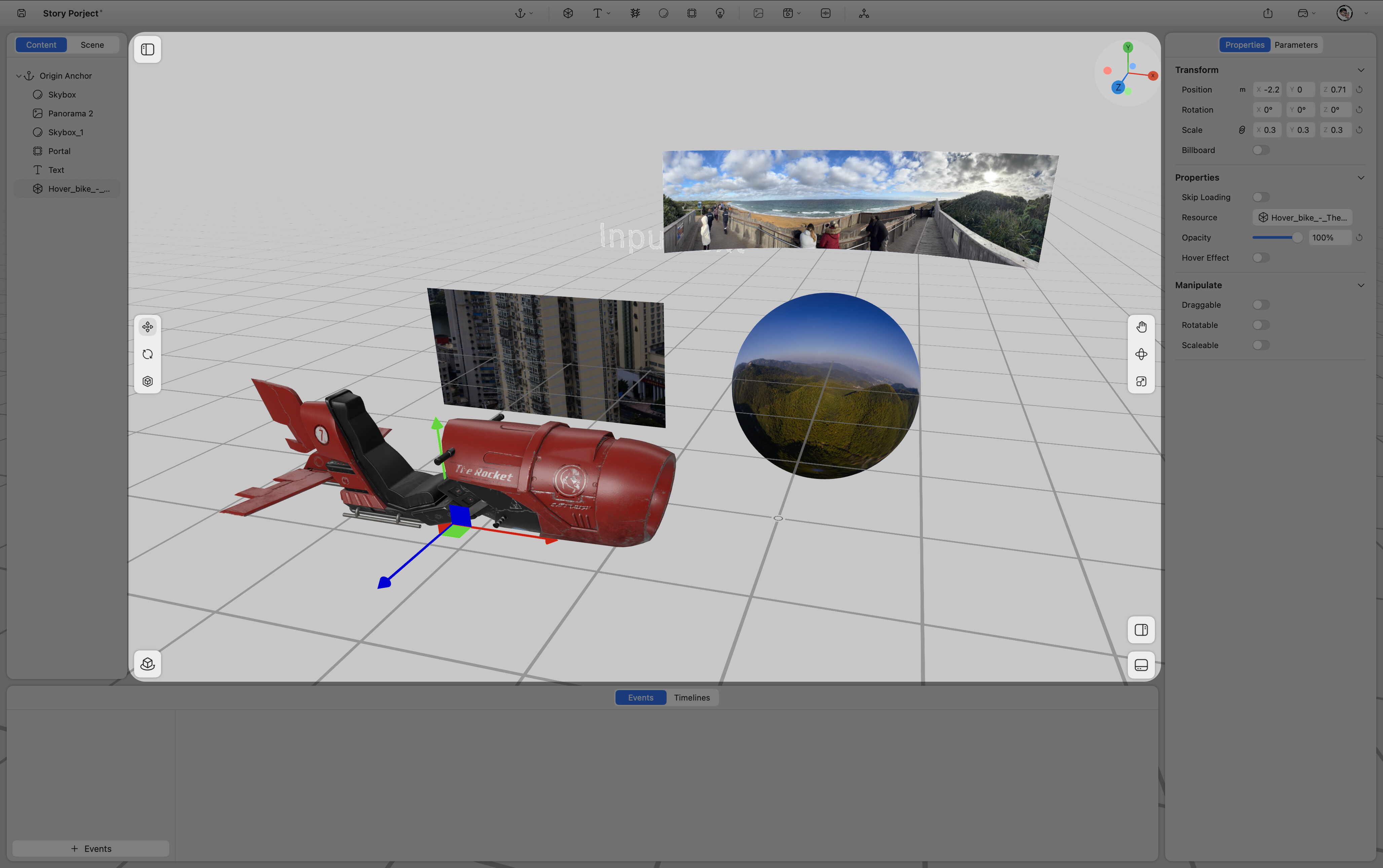
Properties Panel
When a scene or content item is selected in the Content Panel, its editable properties appear in the Properties Panel. Users can modify parameters such as position, rotation, scale, material, and other object-specific attributes.
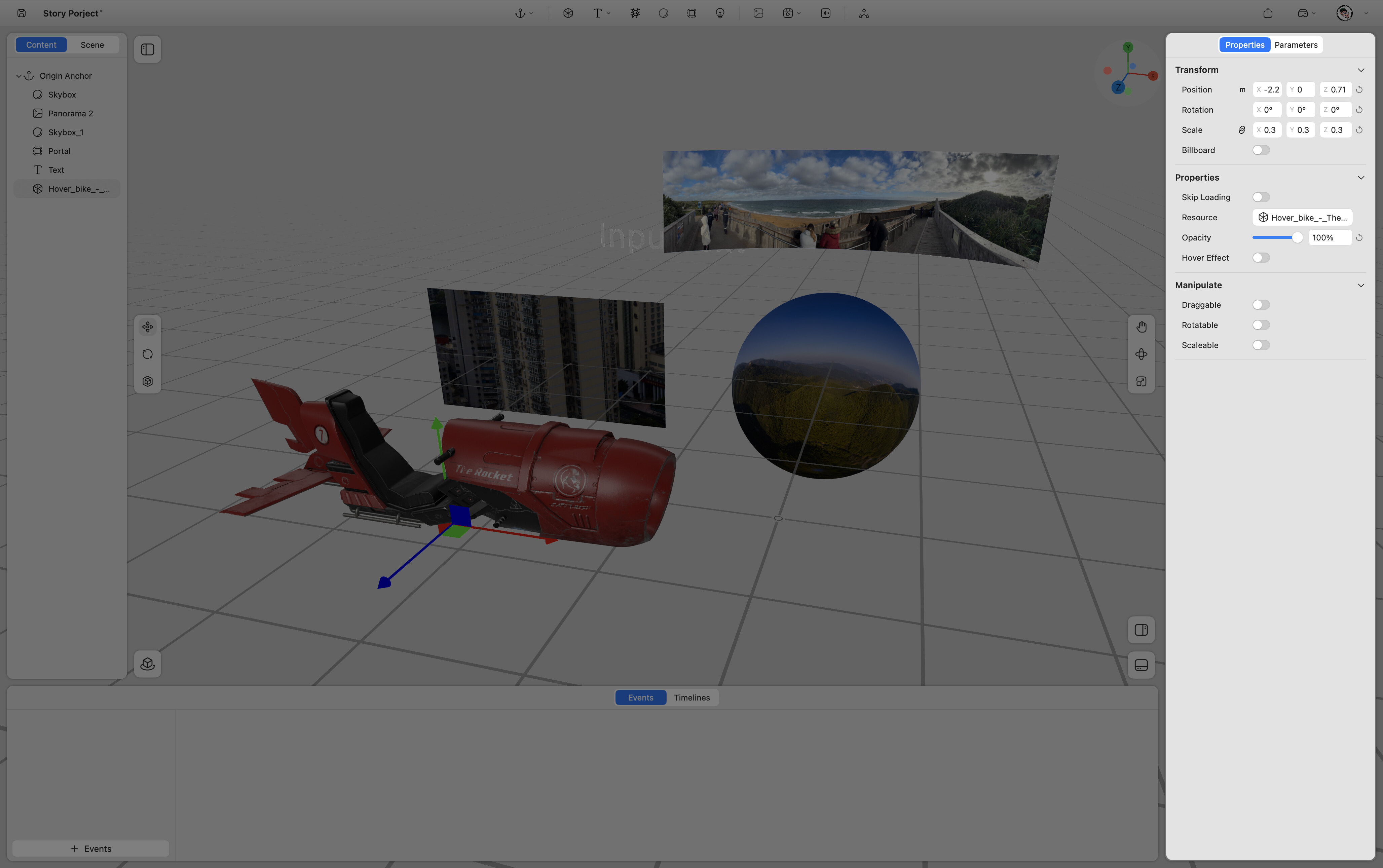
Timeline Panel & Event Panel
ProStory supports content control through both timelines and events. These two systems can be used independently or in combination to create interactive spatial experiences.
Timeline Panel
The Timeline Panel displays time-based animations and transitions applied to elements within a scene.
Event Panel
The Event Panel allows users to define triggers and responses, enabling interactive behaviors within spatial experiences.