Overview
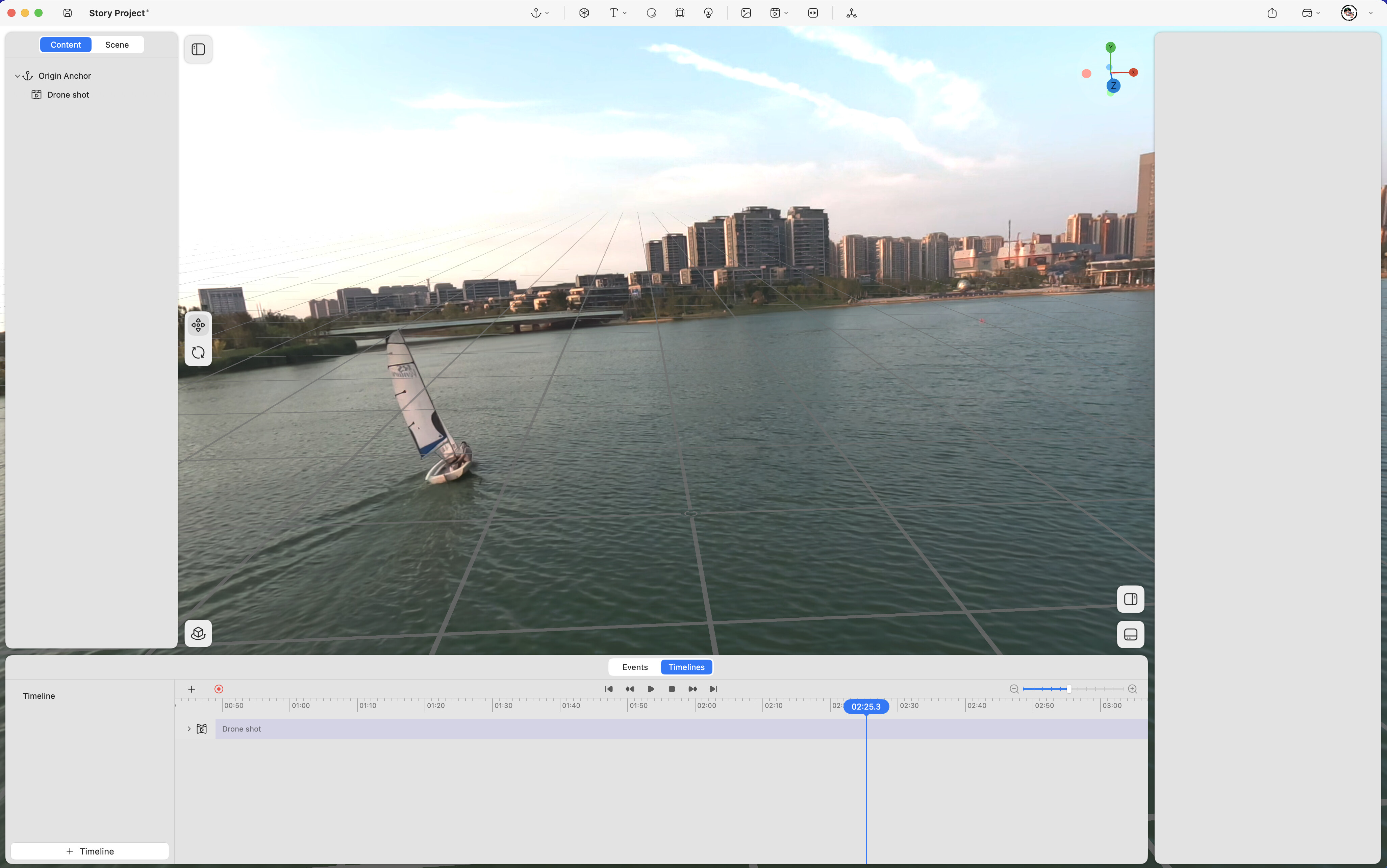
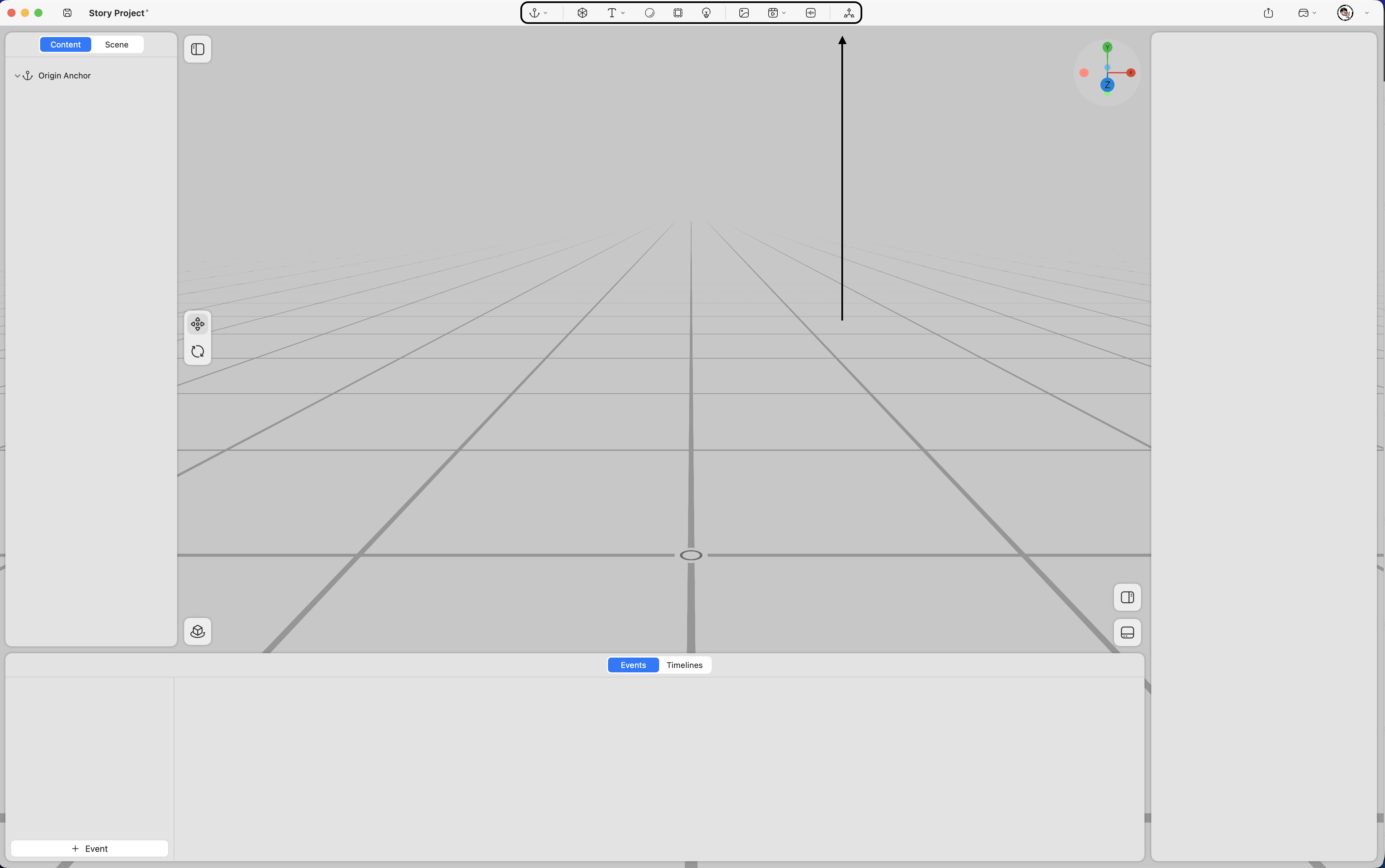
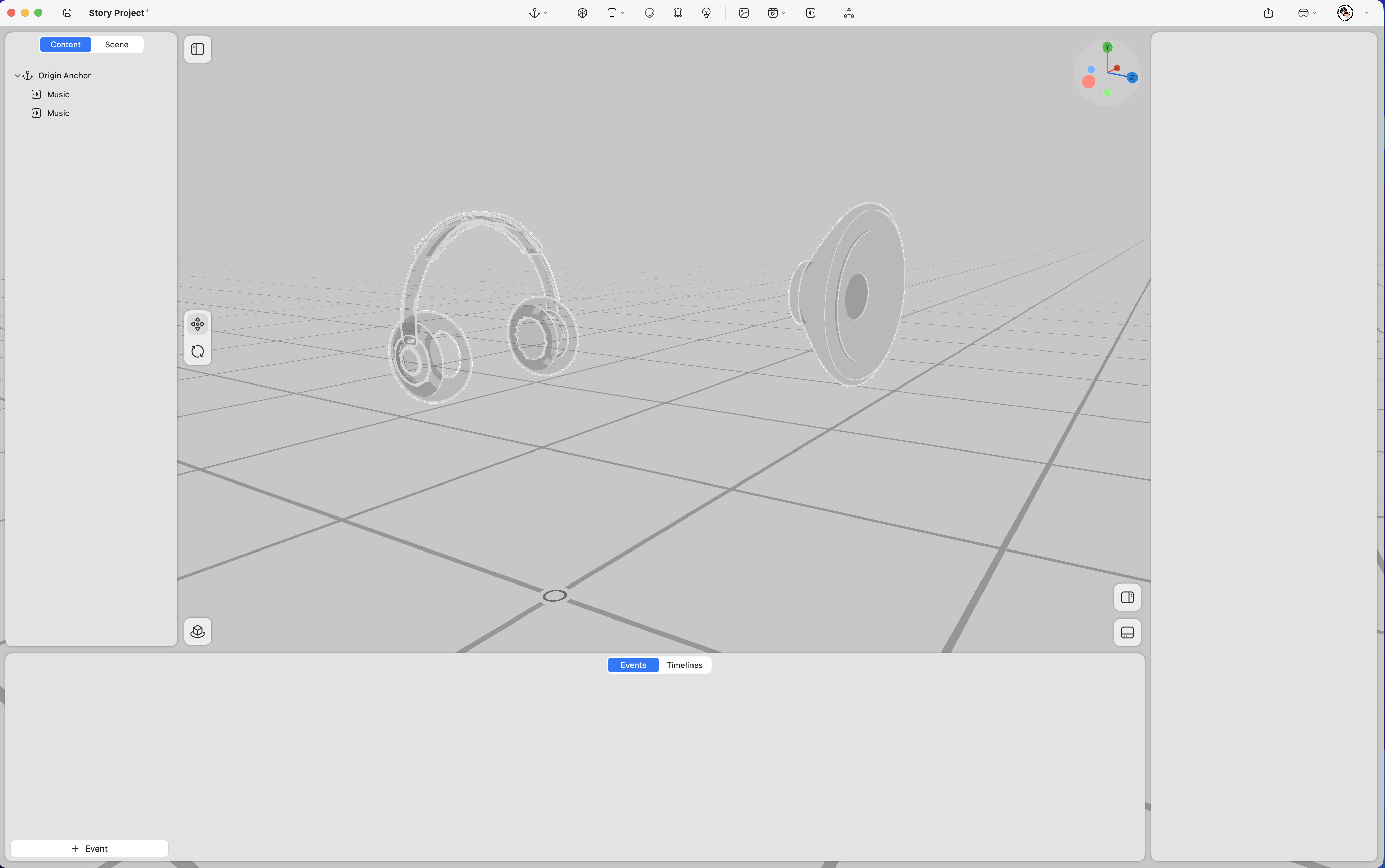
ProStory supports a variety of spatial elements, including images, videos, audio, models, text, portals, lights, anchors, skyboxes, and transforms. These elements can be added from the top toolbar to construct spatial scenes and enhance the visual and interactive experience.
Spatial Elements
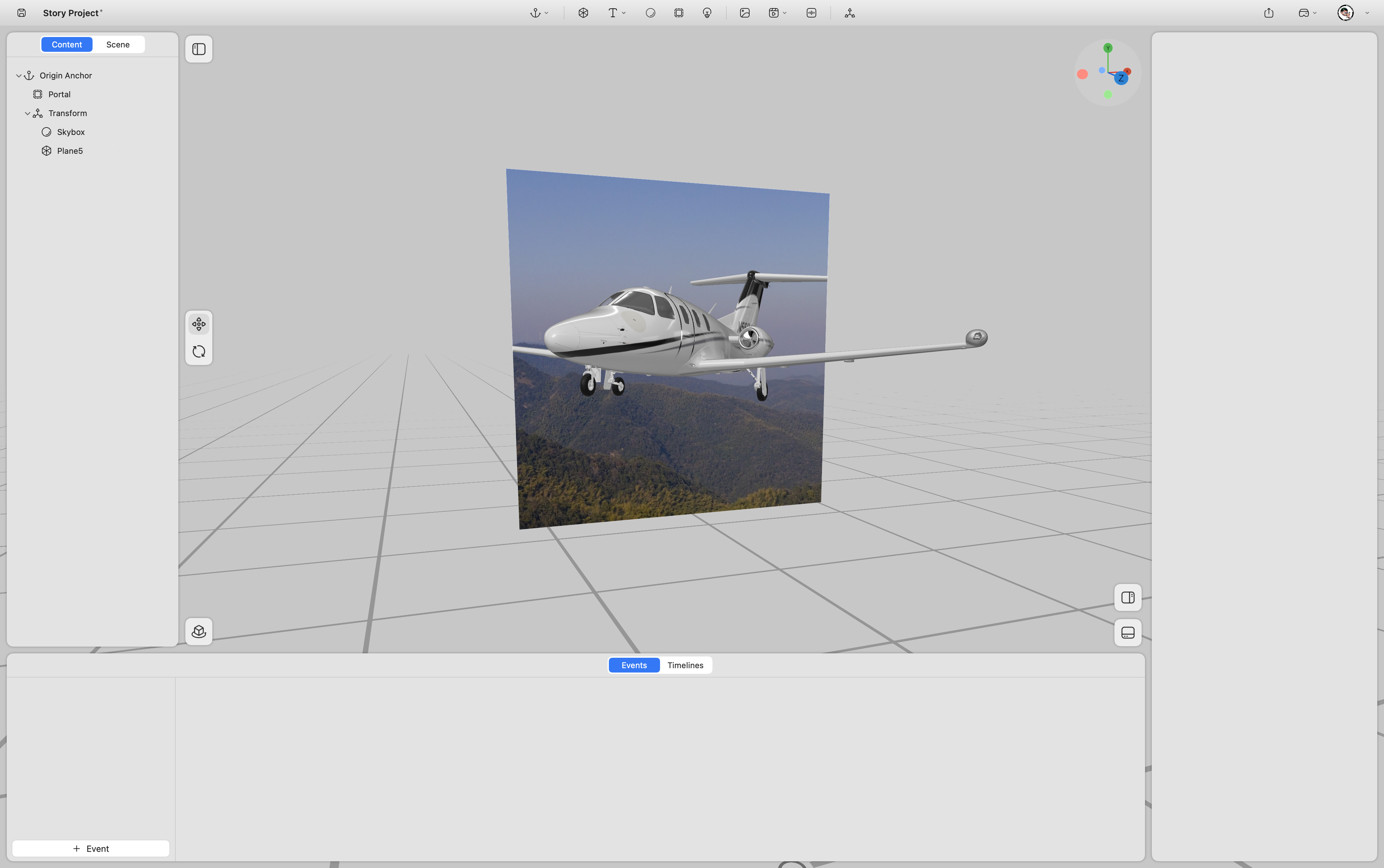
Portal
Adds a portal effect within the spatial environment
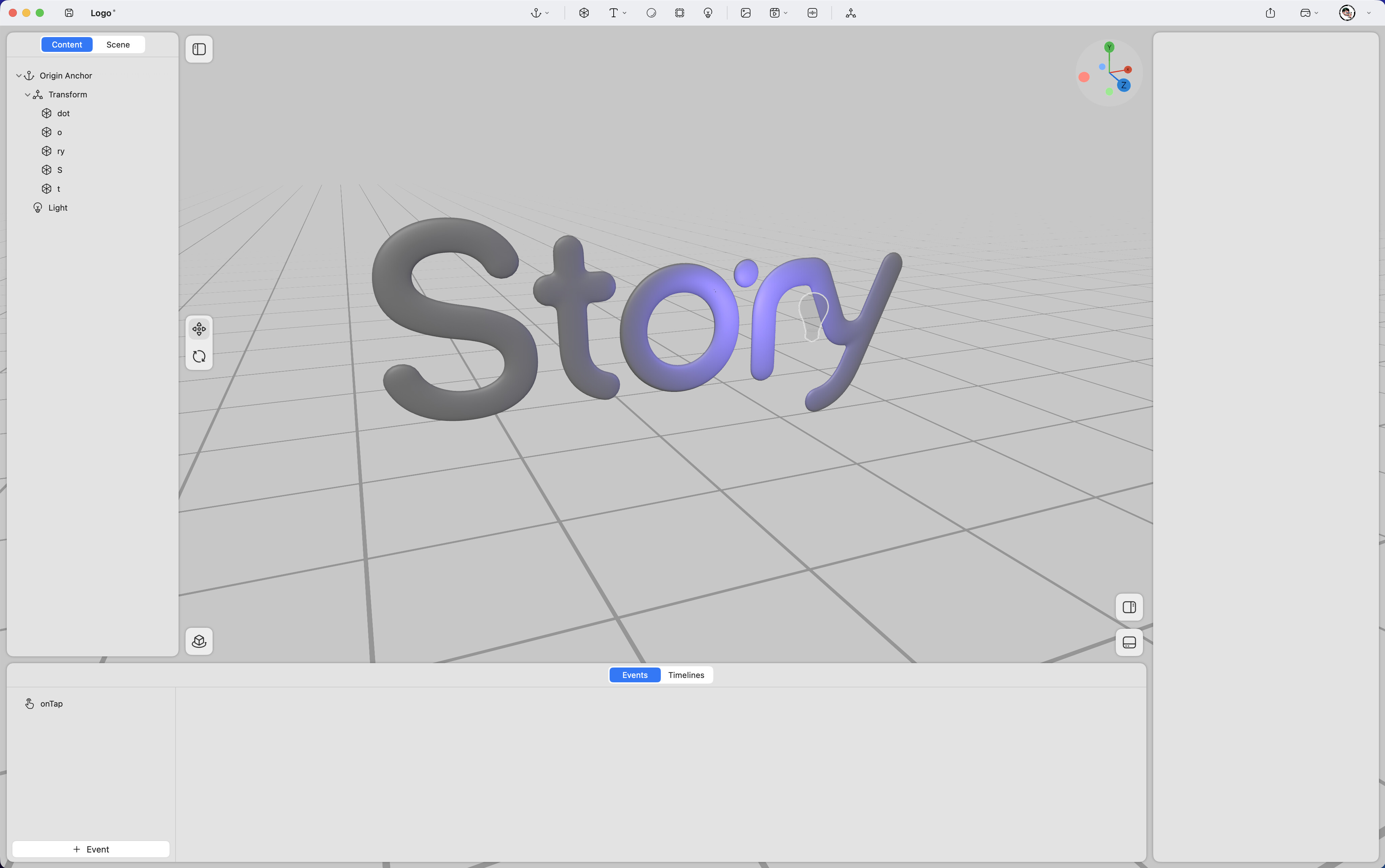
Light
Applies lighting effects to models
Anchor
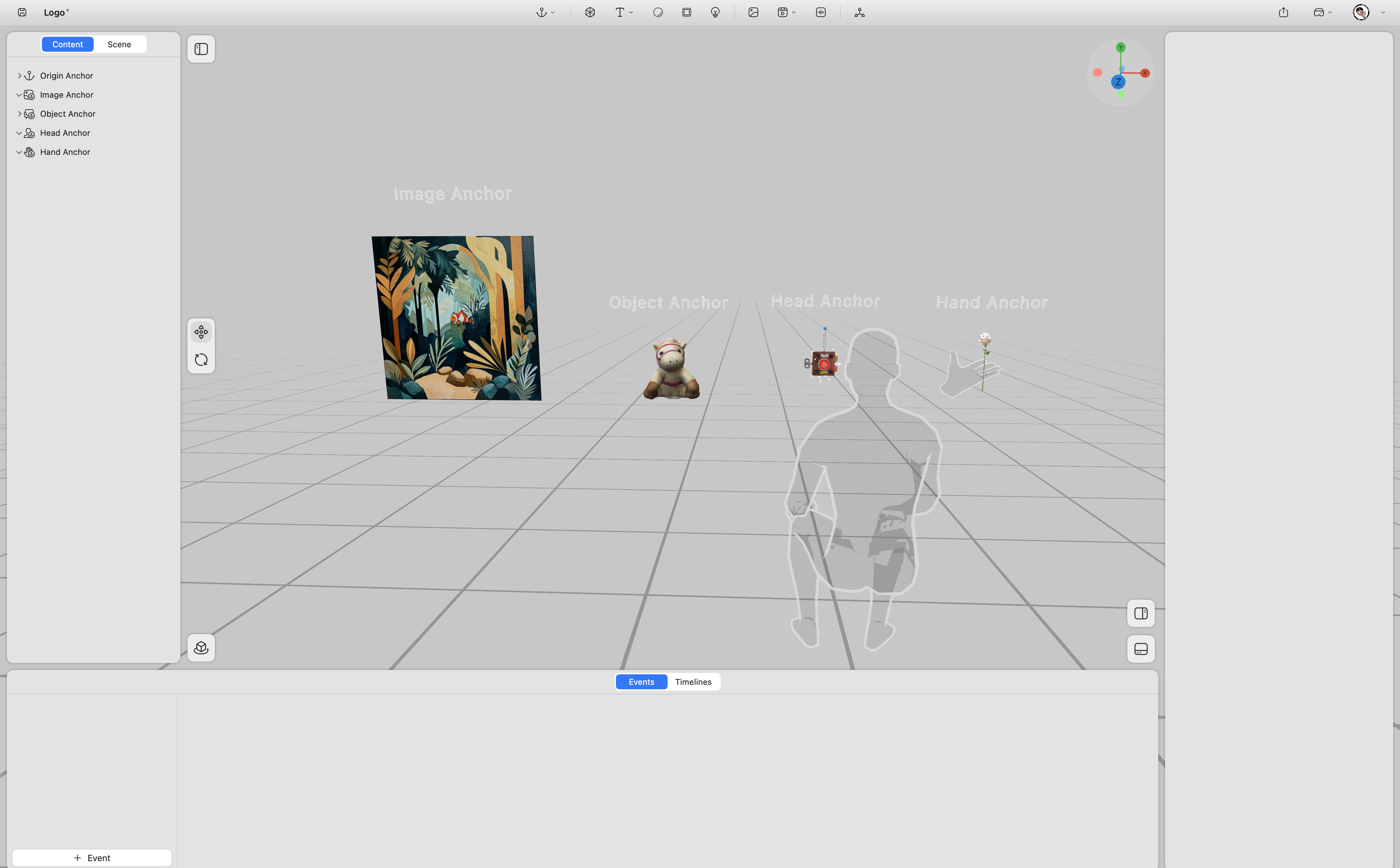
Binds virtual content to real-world references through various anchoring methods, including image anchors, object anchors, and hand anchors, head anchor.
Skybox
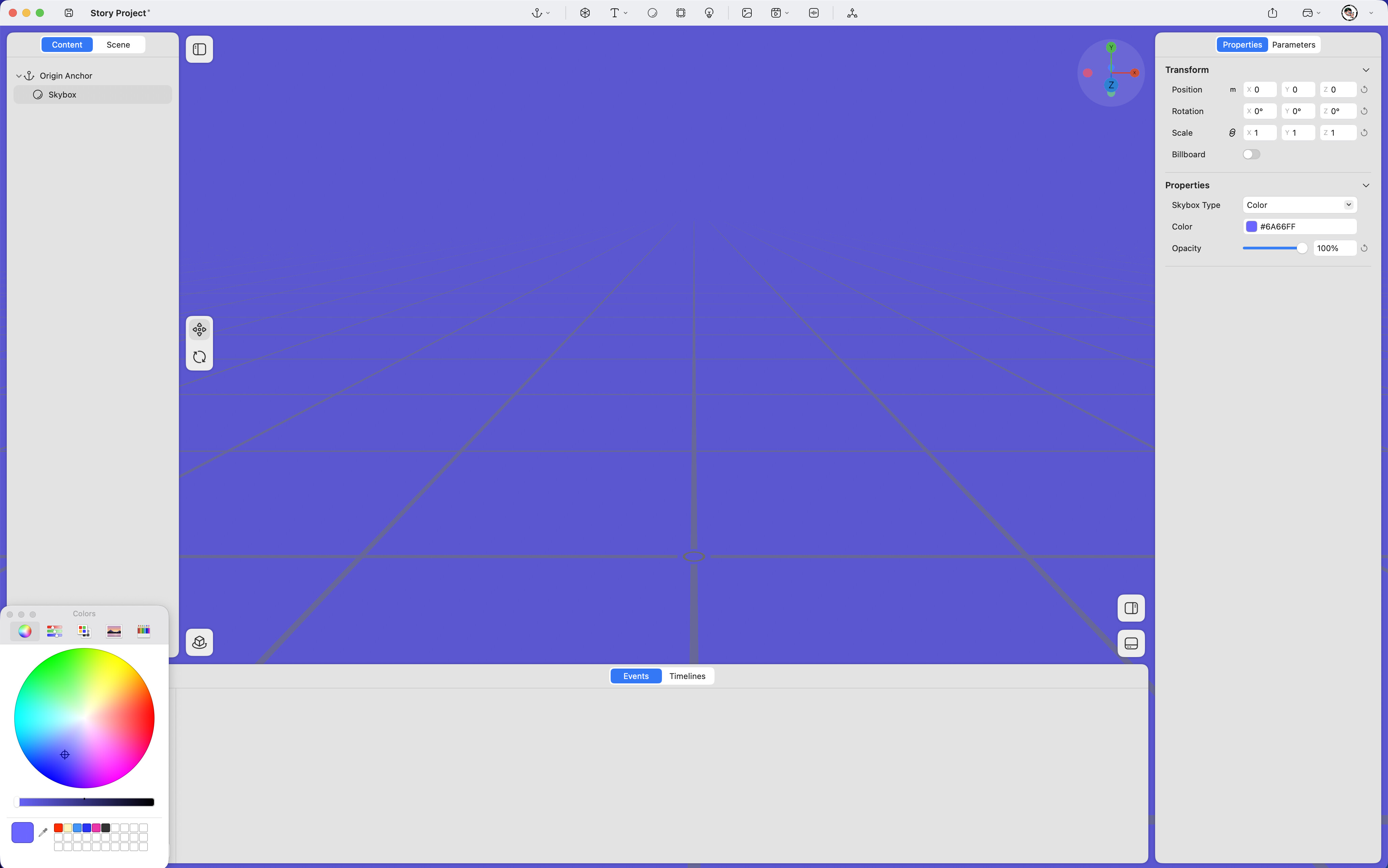
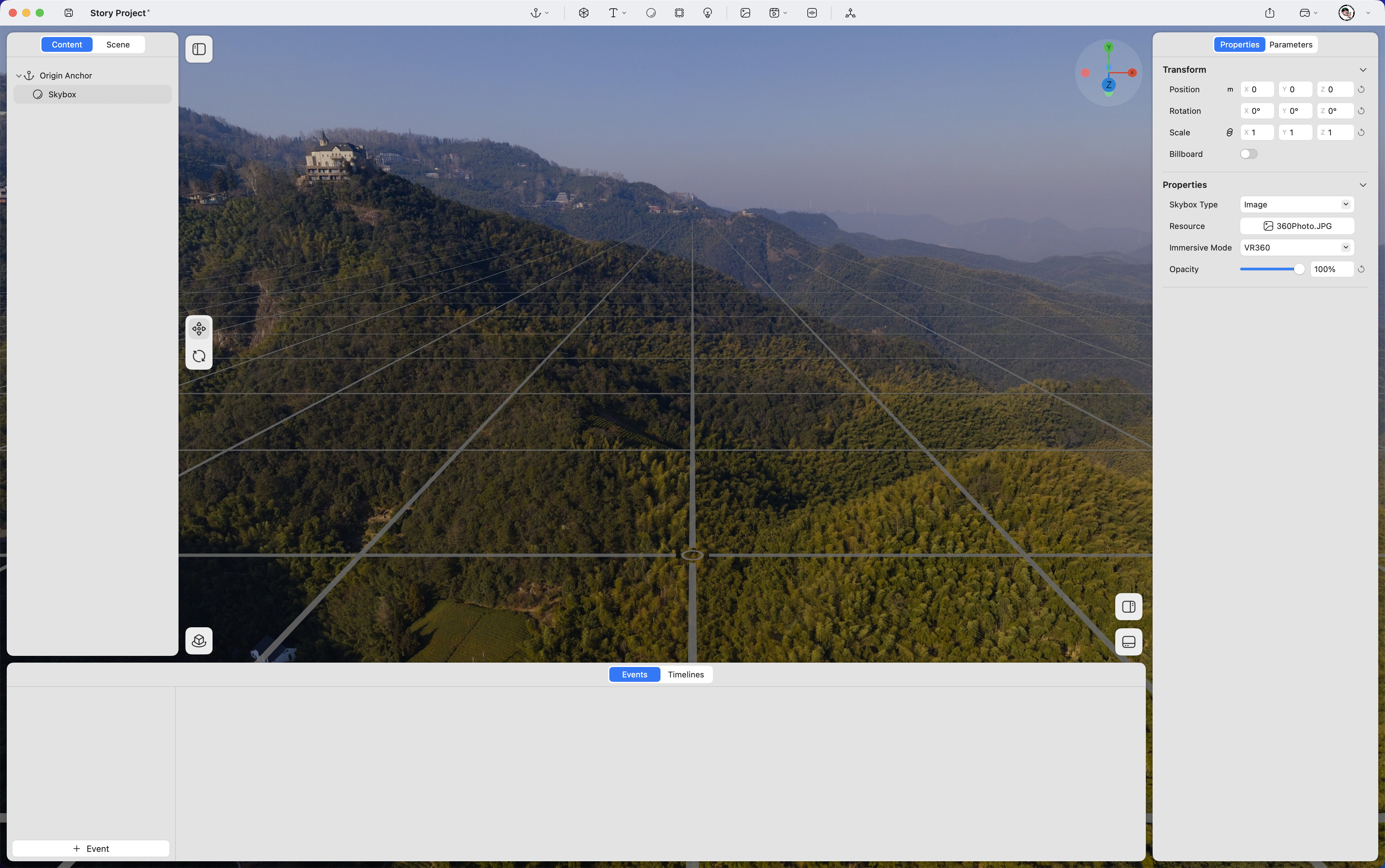
Adds a skybox to the spatial environment. Supports color or panoramic image backgrounds to define the visual atmosphere of a scene.
Transform
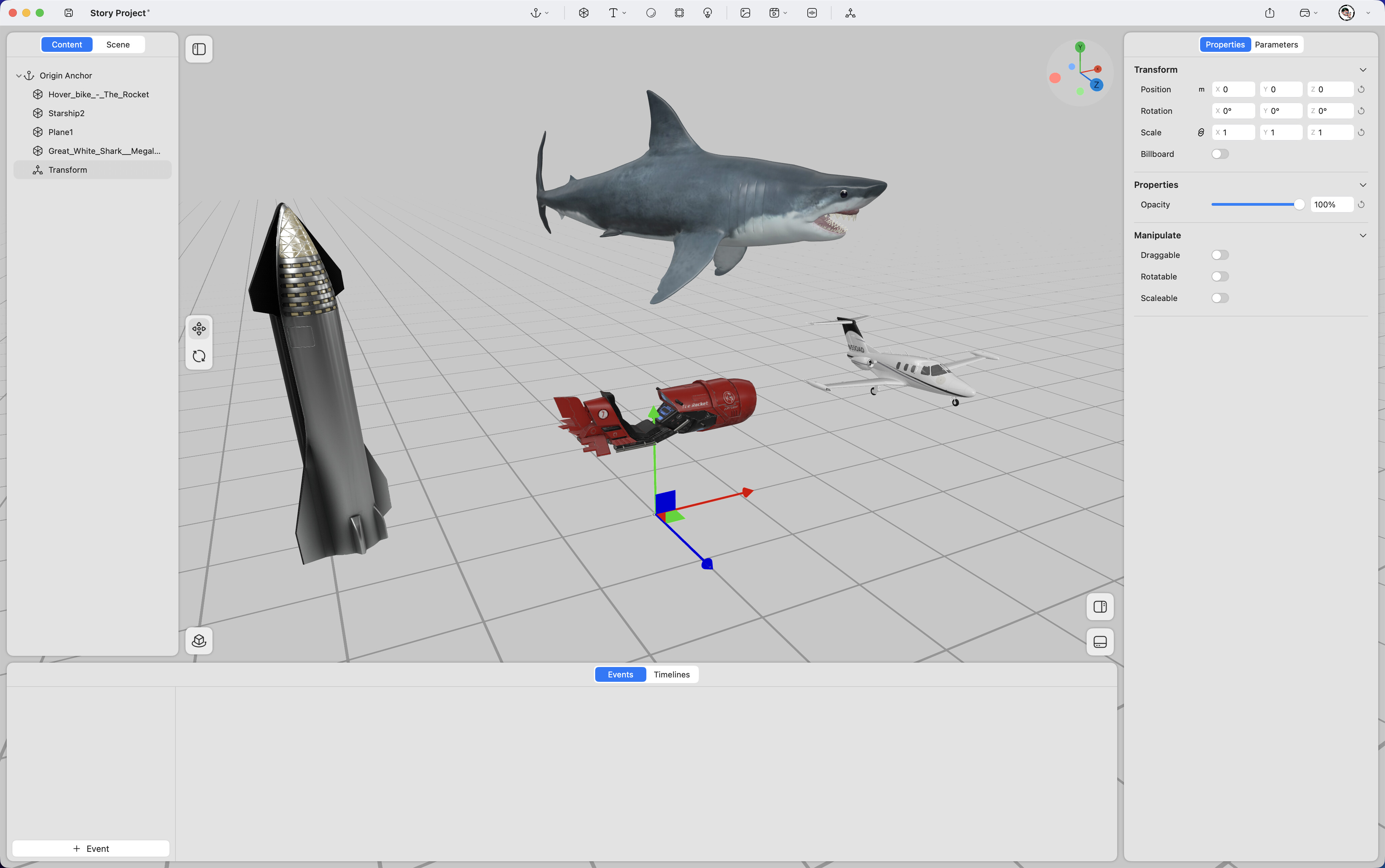
Creates a shared spatial coordinate system for multiple elements, allowing unified control of position, rotation, and scale.
3D Elements
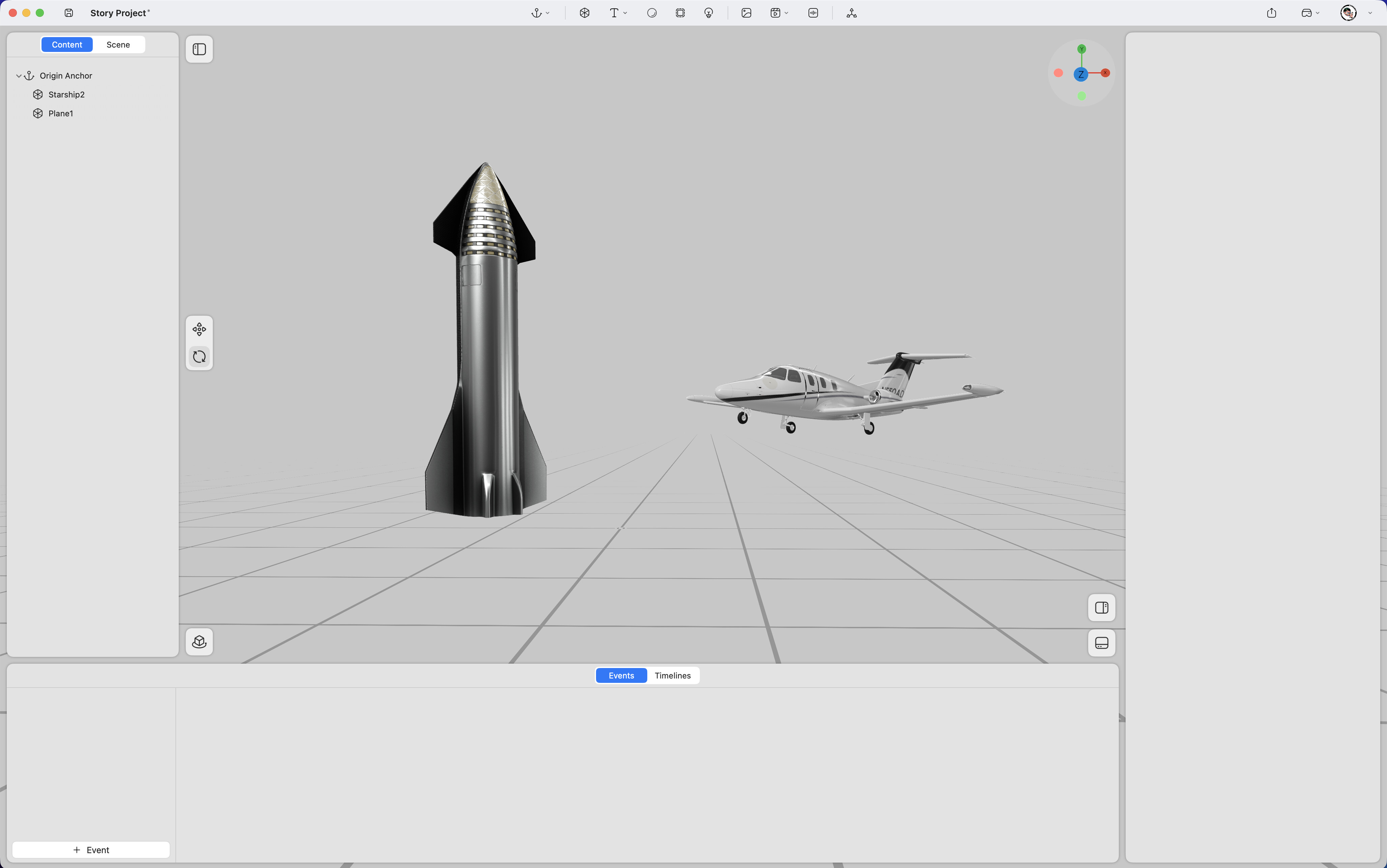
3D Model
Imports 3D model files into the scene. Supported format: .usdz
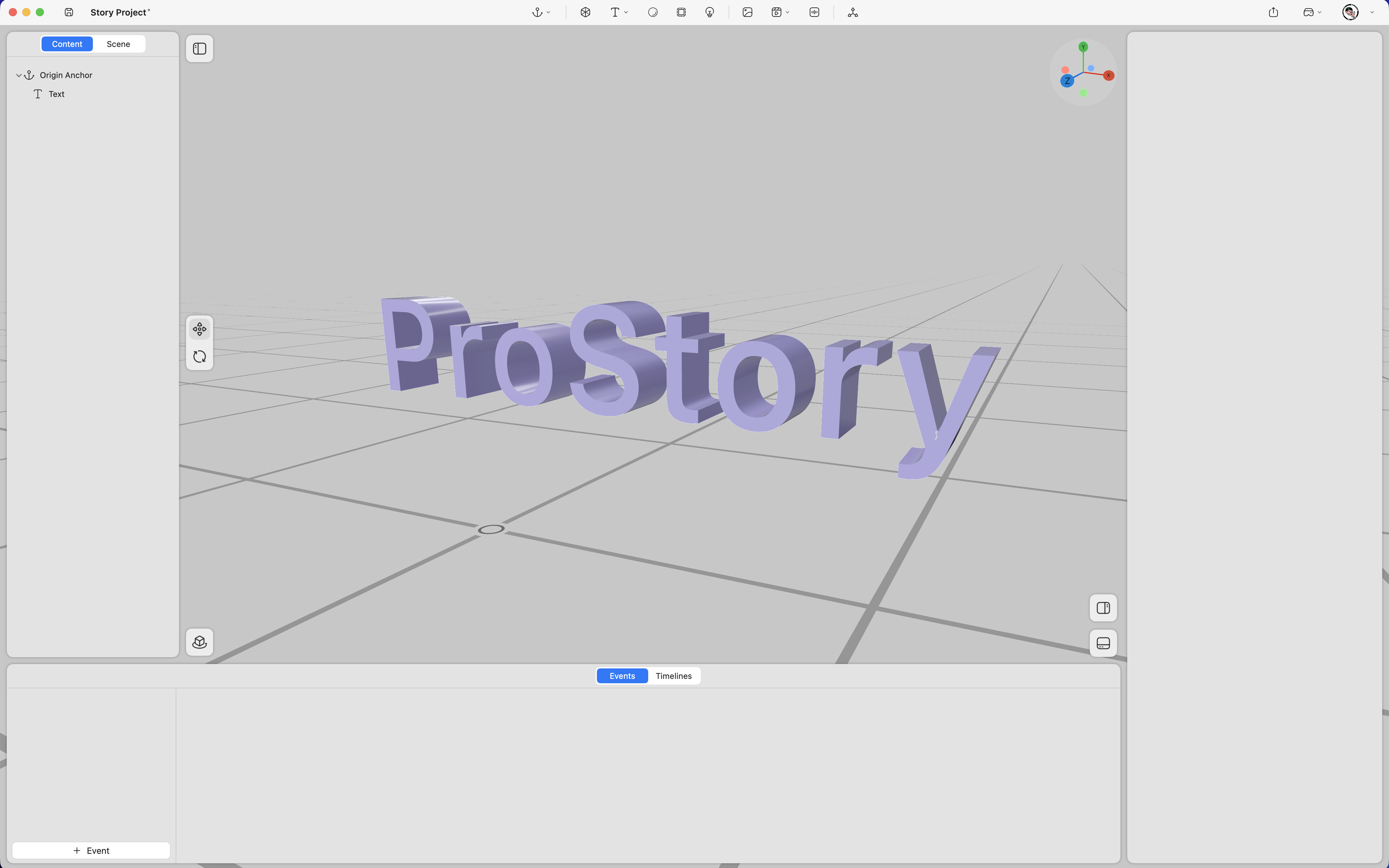
3D Text
Creates 3D text within space.
Media Elements
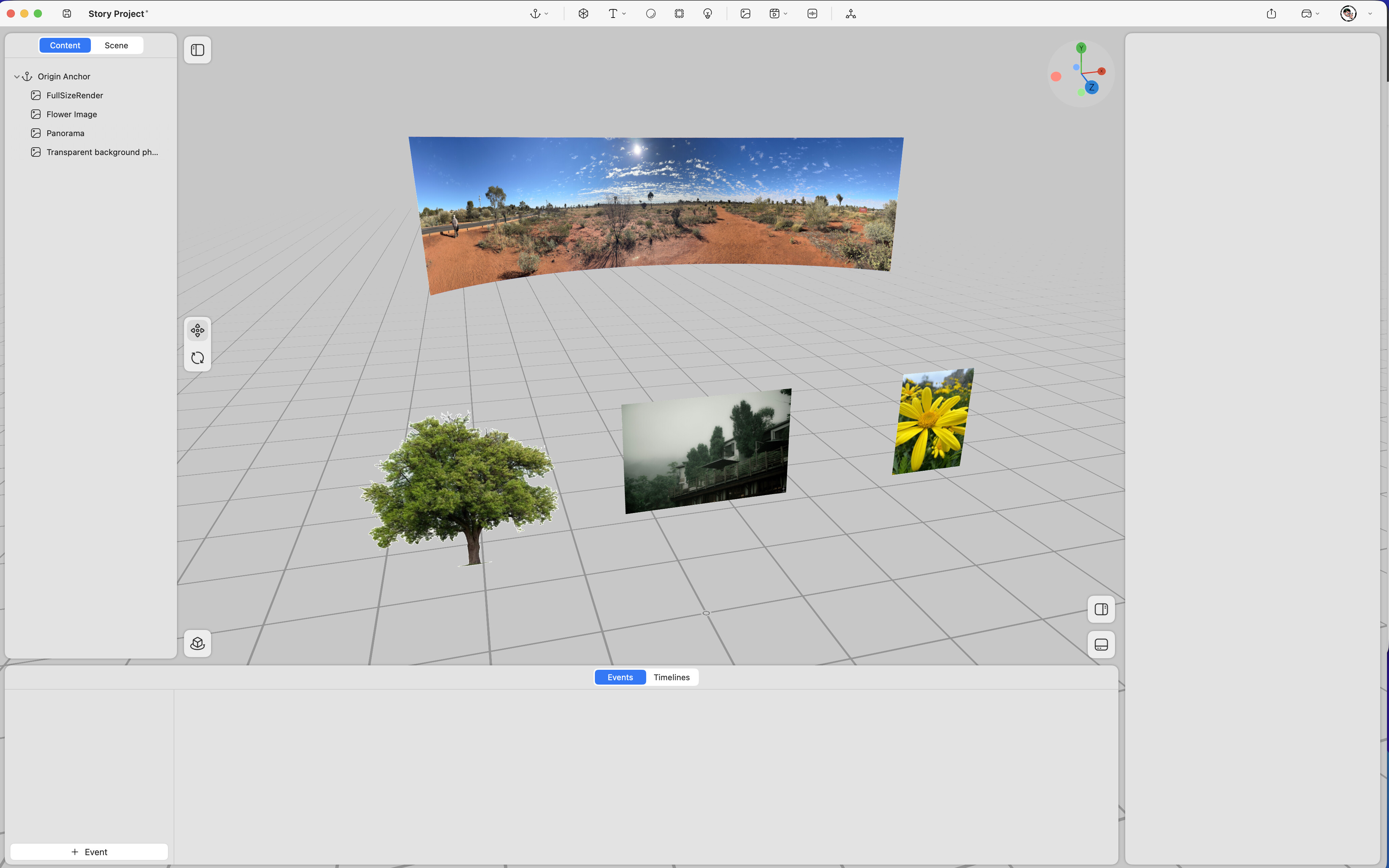
Image
Supports adding standard images, 360° panoramic photos, spatial photos, and transparent PNG assets.
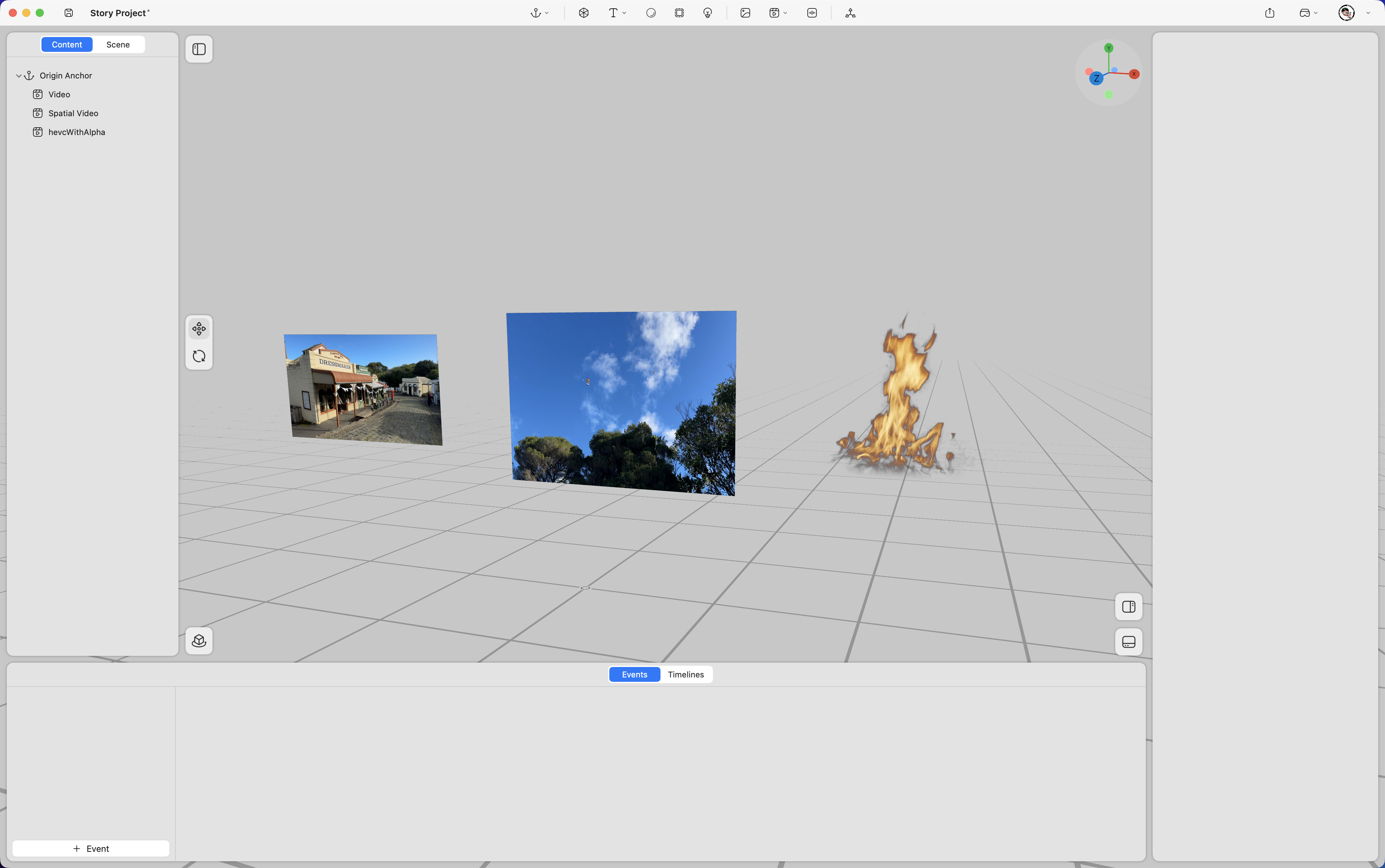
Video
Supports standard videos, spatial videos, and videos with alpha channels.
Audio
Supports the inclusion of audio elements within the spatial environment.
Immersive Video
Supports immersive video content within the spatial environment. Compatible with 3D VR180 and 2D VR360 formats.