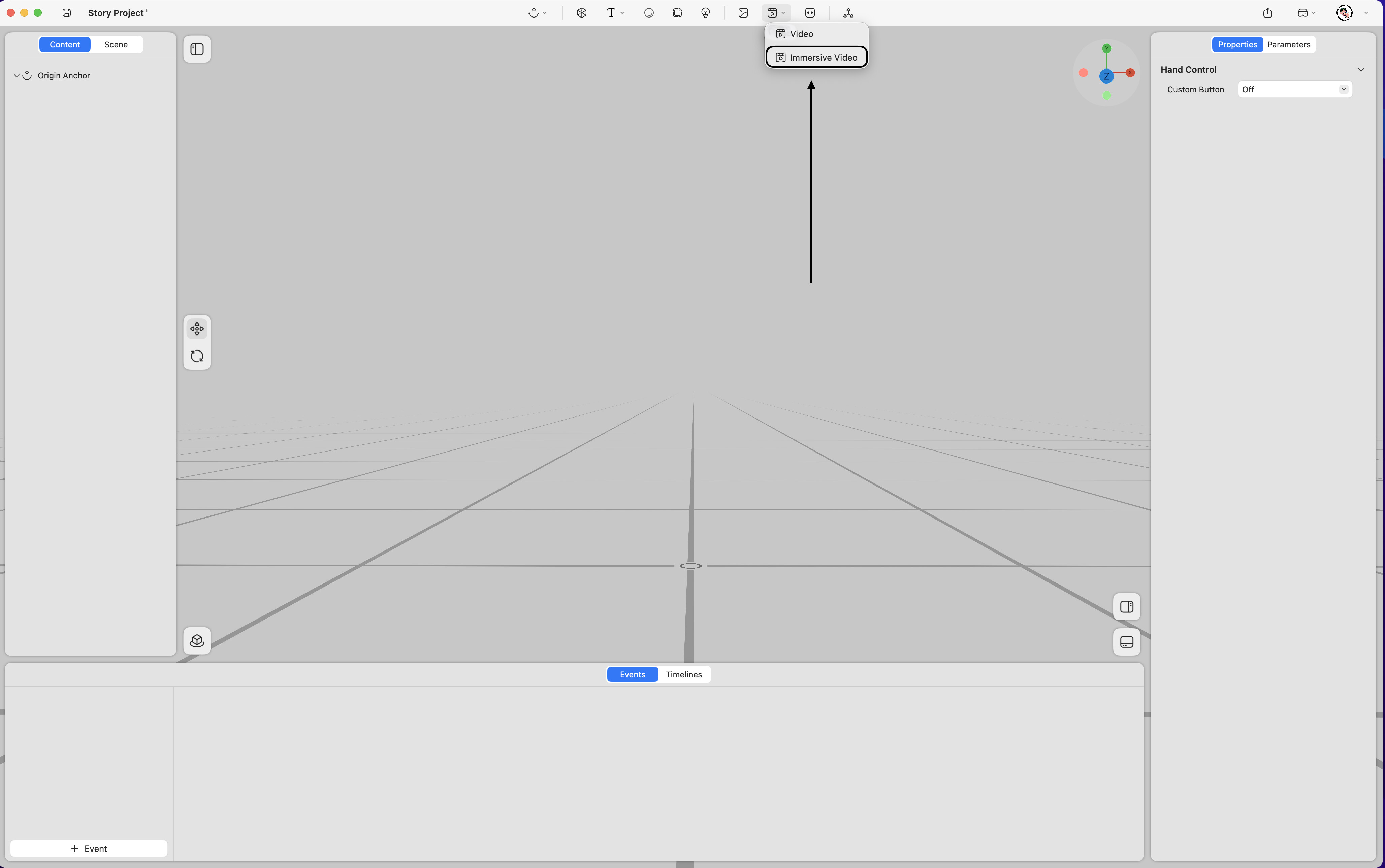
Supports Apple Spatial Video、Immersive video and equirectangular 360° panoramic videos within the spatial environment.
Property
-
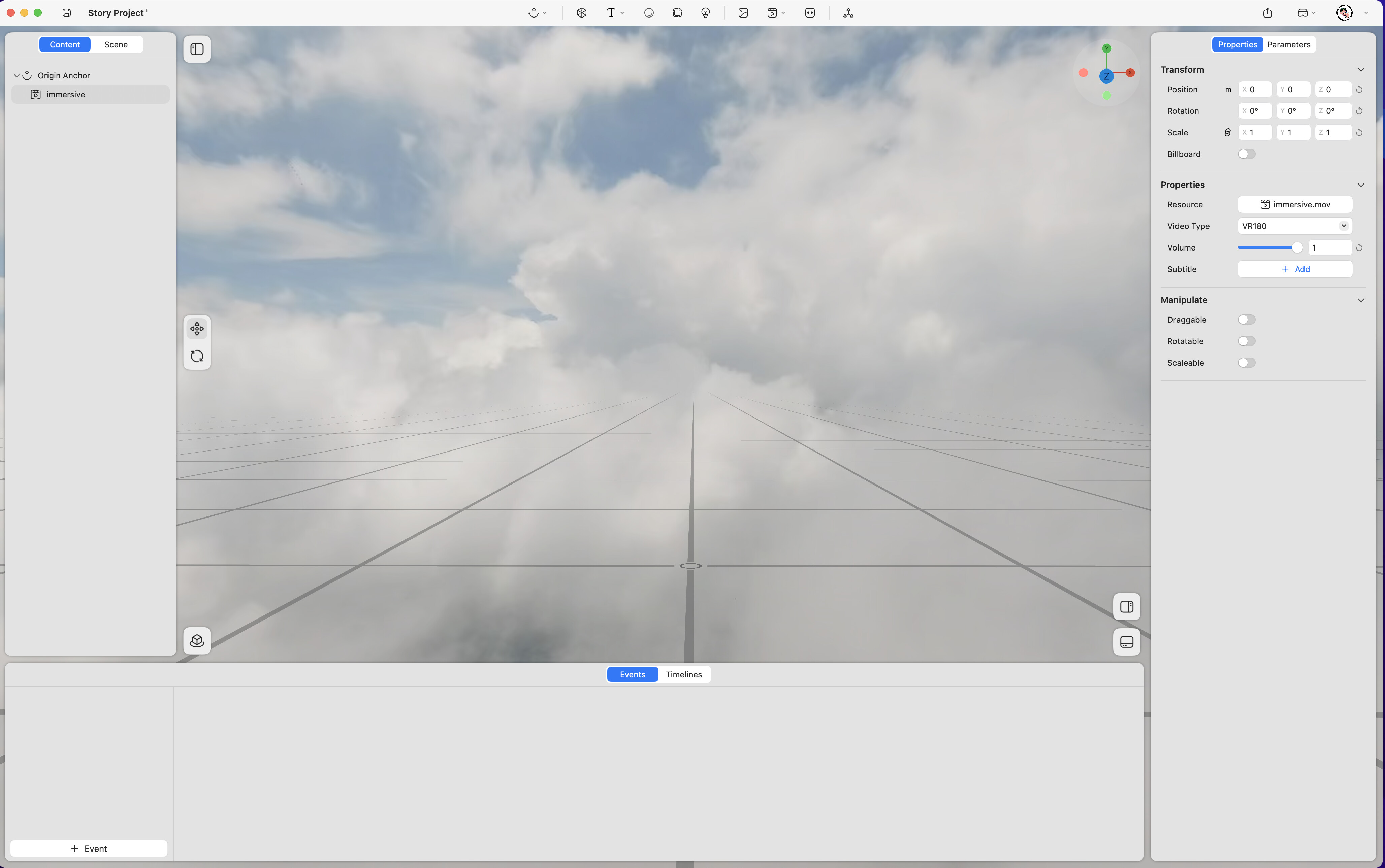
Position – Adjusts the video’s position in space (unit: meters). (Keyframe support
 )
) -
Rotation – Adjusts the video’s rotation in space (unit: degrees). (Keyframe support
) -
Scale – Adjusts the video’s size (value “1” represents 100%). (Keyframe support
) -
Billboard – When enabled, the video automatically faces the viewer’s perspective at all times.
-
Resource – Replaces the video asset.
-
Video Type – Selects between VR180 (3D) or VR360 (2D) display modes.
-
Volume – Adjusts the audio volume (range 0–1, where 1 represents 100%).(Keyframe support
) -
Subtitle – Adds an external subtitle file.
-
Draggable – Allows the immersive video to be repositioned in space by dragging.
-
Rotatable – Allows the immersive video to be rotated in space.
-
Scalable – Allows the immersive video to be resized in space.