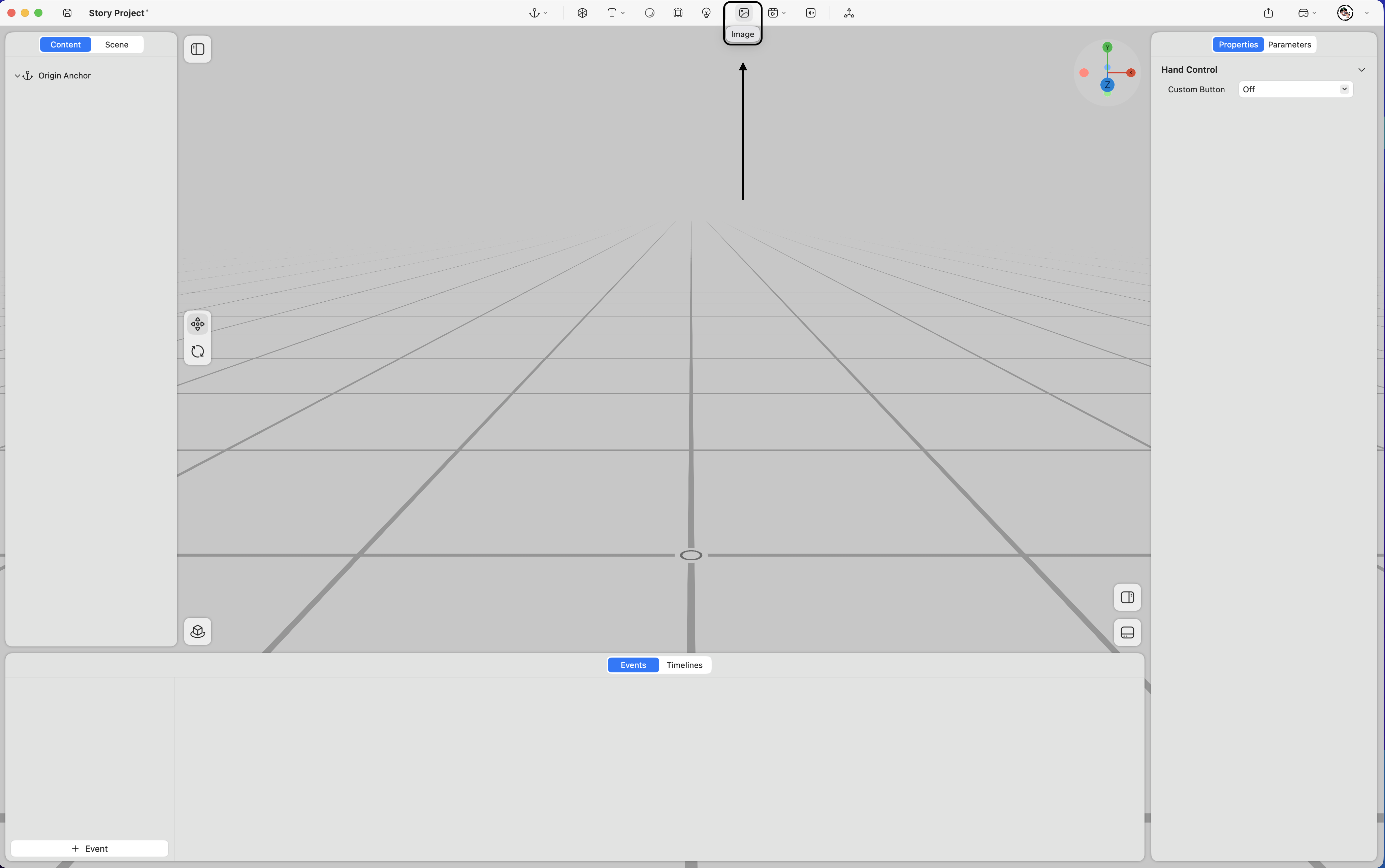
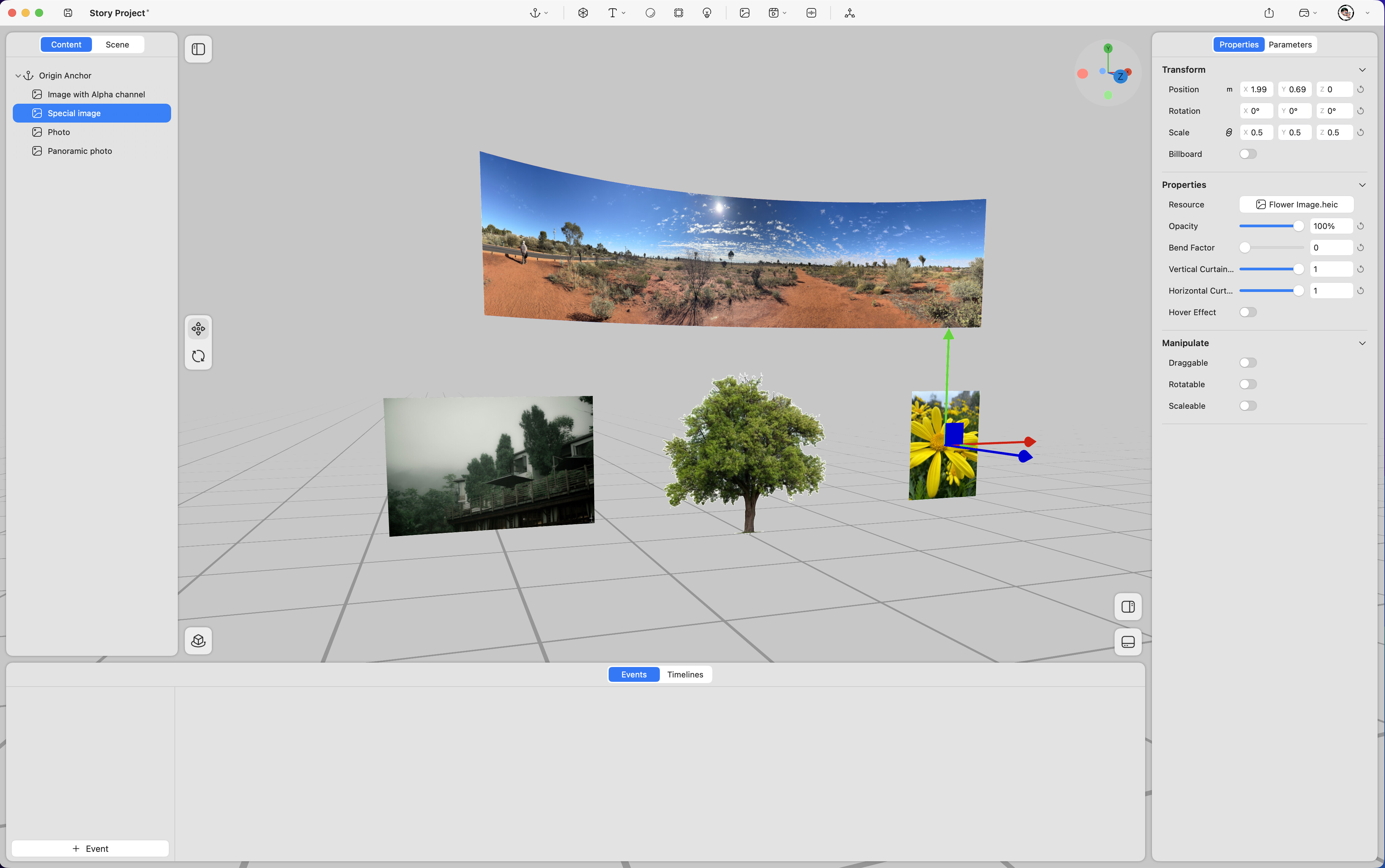
Supports the use of various image types within the spatial environment, including flat images, transparent-background images, spatial photos, and panoramic photos.
Property
-
Position – Adjusts the image’s position in space (unit: meters). (Keyframe support
 )
) -
Rotation – Adjusts the image’s rotation in space (unit: degrees). (Keyframe support
) -
Scale – Adjusts the image’s size (value “1” represents 100%). (Keyframe support
) -
Billboard – When enabled, the image automatically faces the viewer’s perspective at all times.
-
Hover Effect – Highlights the image when selected.
-
Resource – Replaces the image asset.
-
Opacity – Adjusts the image’s opacity. (Keyframe support
) -
Bend Factor – Controls the horizontal curvature of the image. (Keyframe support
) -
Vertical Curtain Progress – Crops the image vertically. (Keyframe support
) -
Horizontal Curtain Progress – Crops the image horizontally. (Keyframe support
)
-
Draggable – Allows the image to be repositioned in space by dragging.
-
Rotatable – Allows the image to be rotated in space.
-
Scalable – Allows the image to be resized in space.