Overview
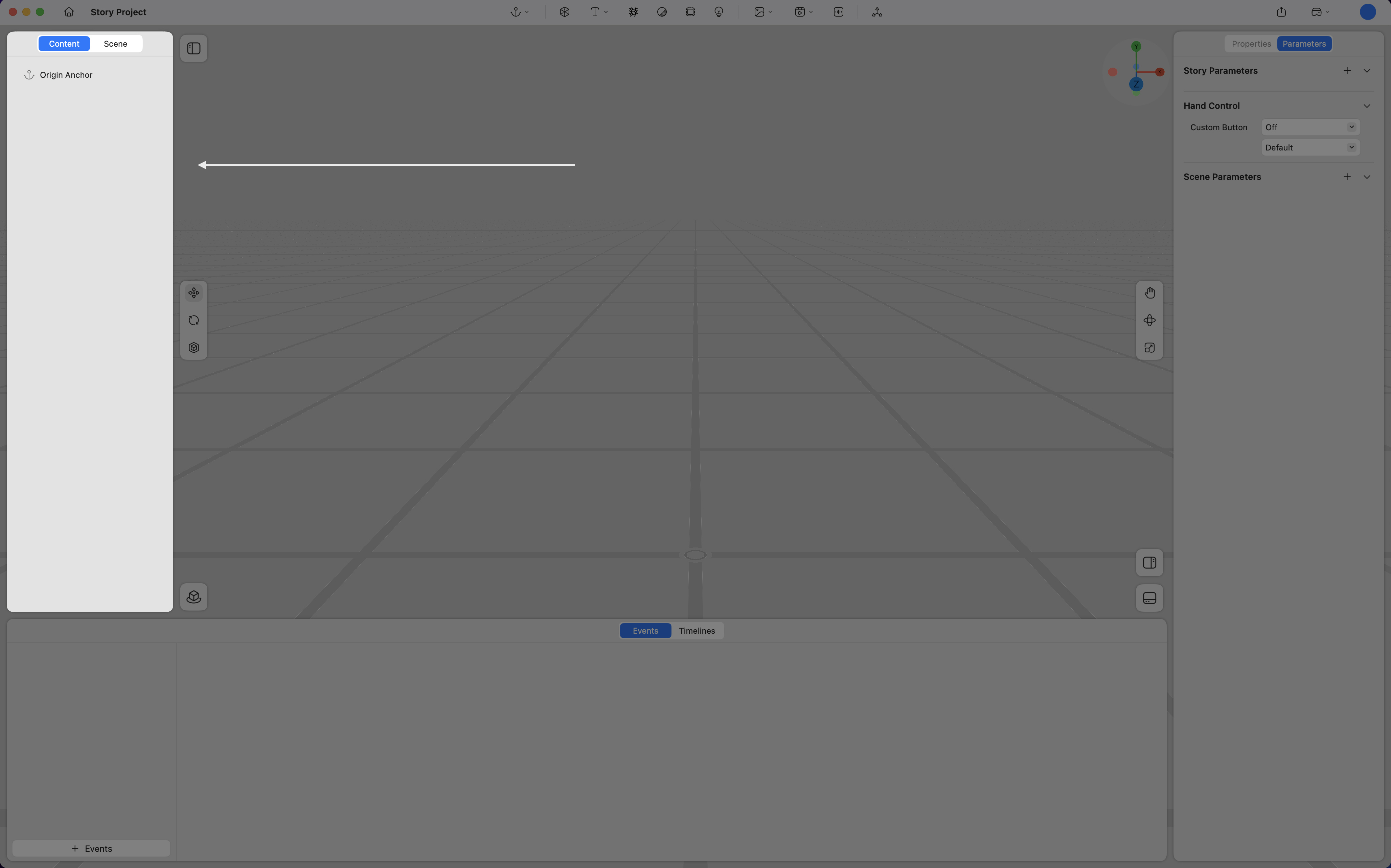
The Content Panel provides an overview of all scenes and assets within a project. It allows efficient organization, classification, and management of spatial elements.
Scene
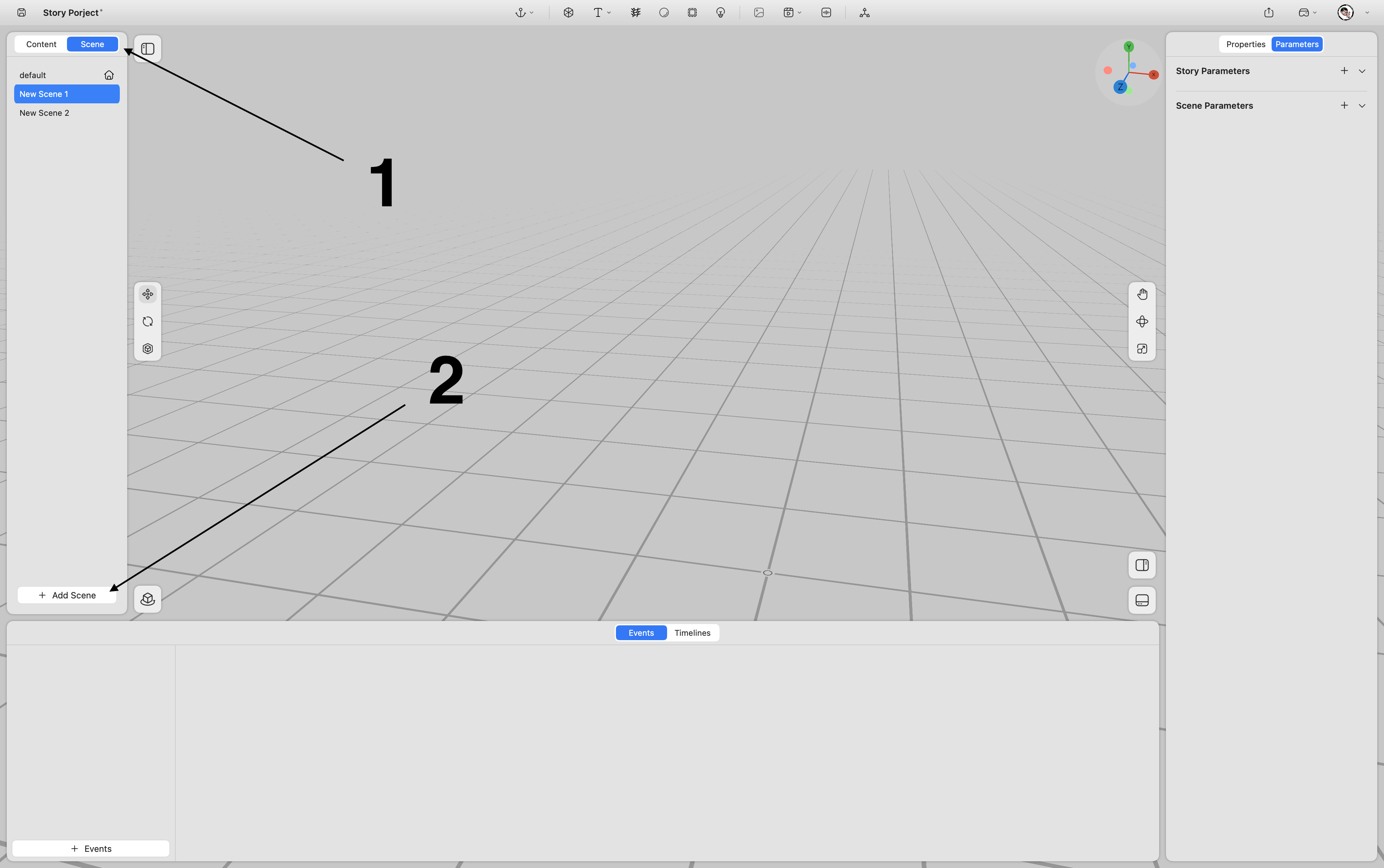
Multiple Scenes can be added within a single project. Scenes can be switched or controlled through the Event system.
-
Select Scene.
-
Click Add Scene.
Content
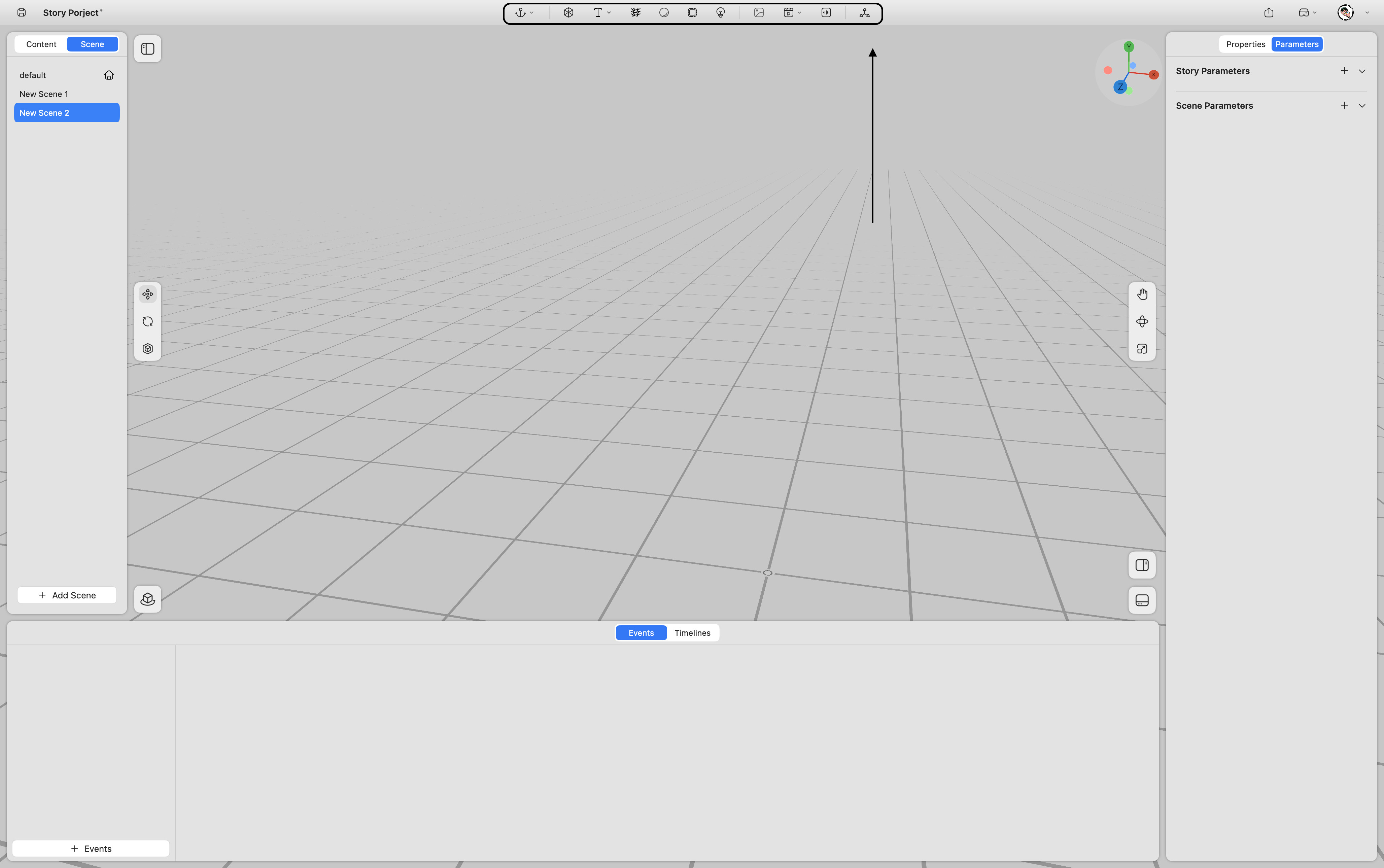
Spatial content can be added from the top toolbar.
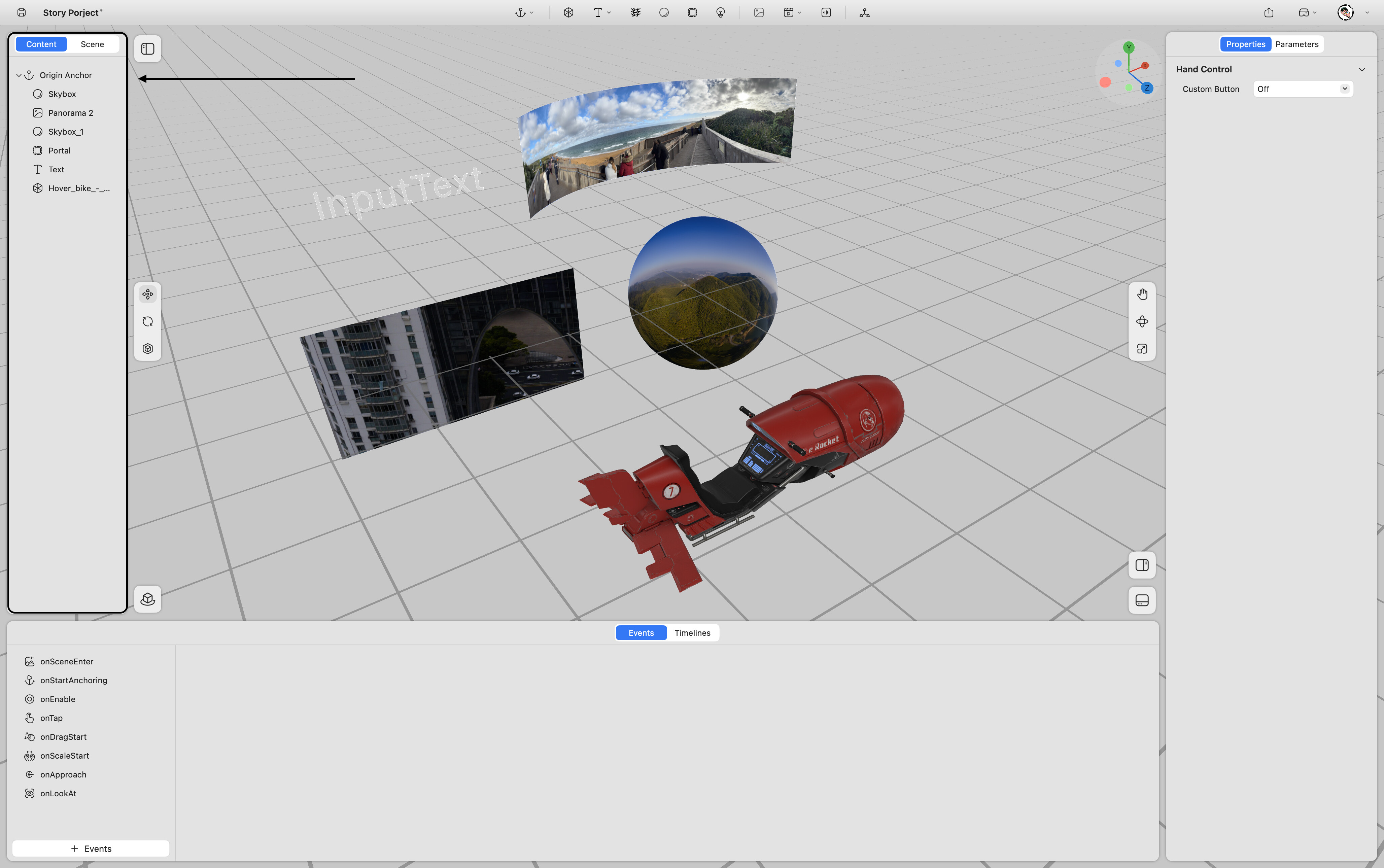
All imported assets appear under the CONTENT section of the Content Panel.
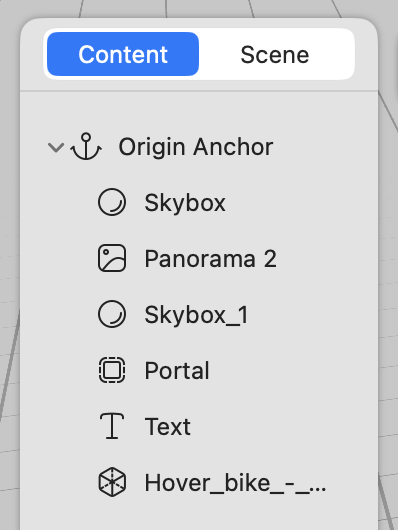
Each content type is represented by a distinct icon for easier identification.
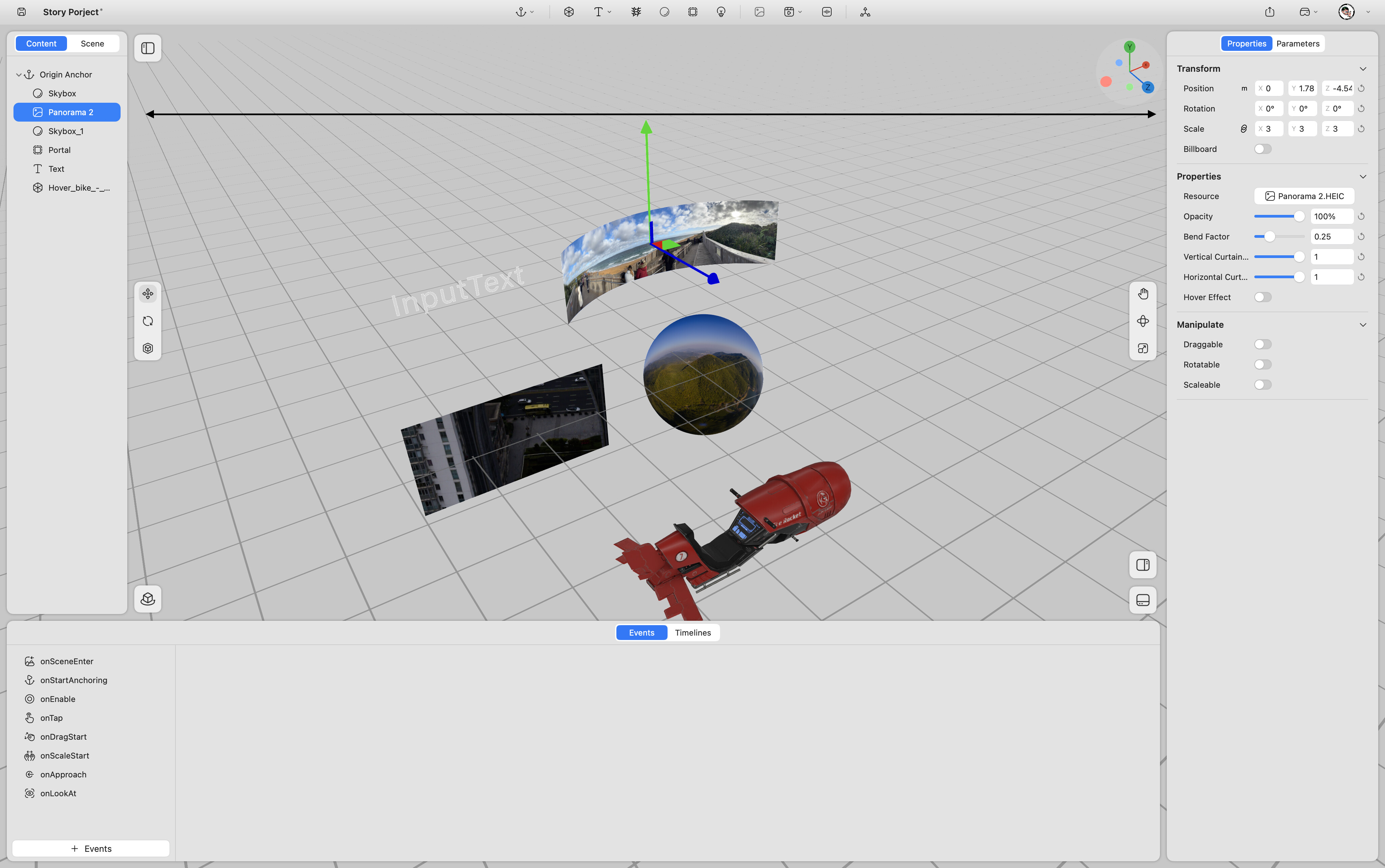
When a content item is selected, its position is highlighted in the Viewport, and its editable parameters are displayed in the Properties Panel on the right.
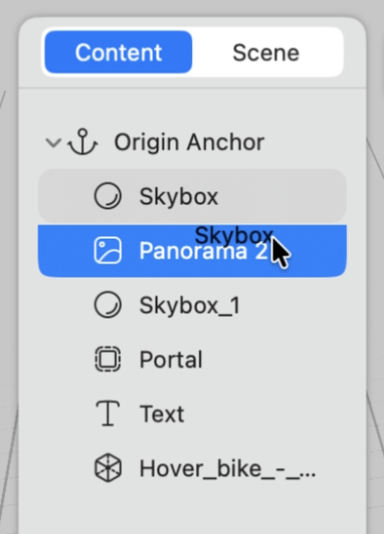
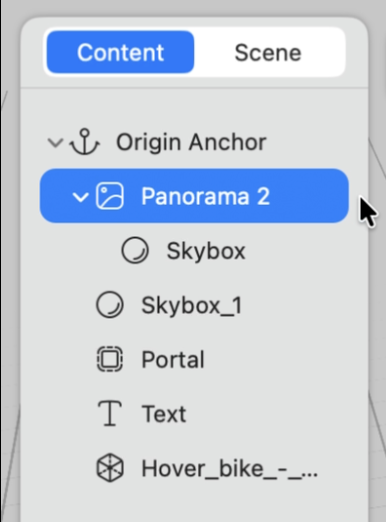
When one asset is nested inside another, both share the same spatial coordinate system.
Any changes to the parent asset’s spatial attributes (such as position, rotation, or scale) will automatically be applied to the nested content.