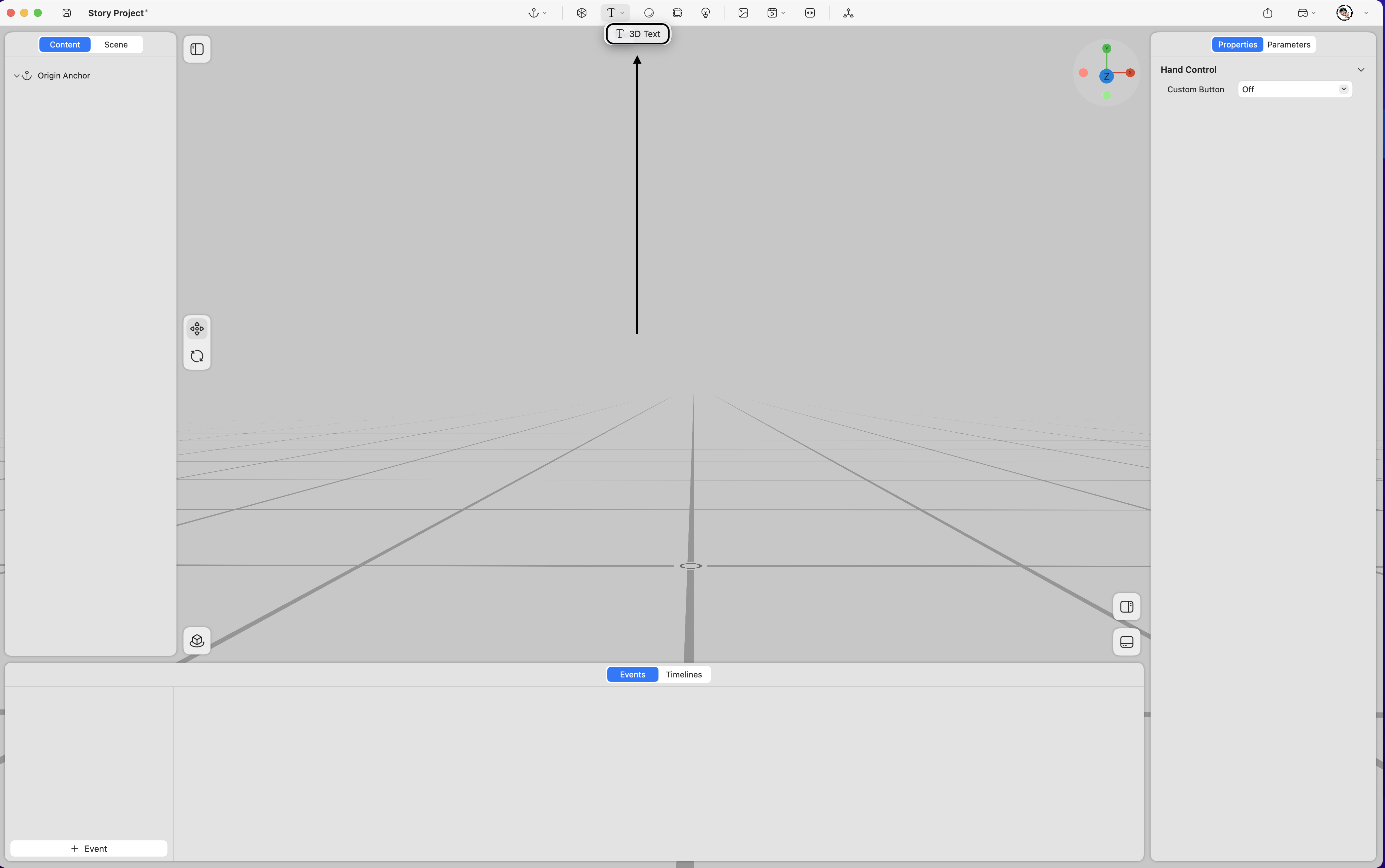
Supports adding text content into space.
Property
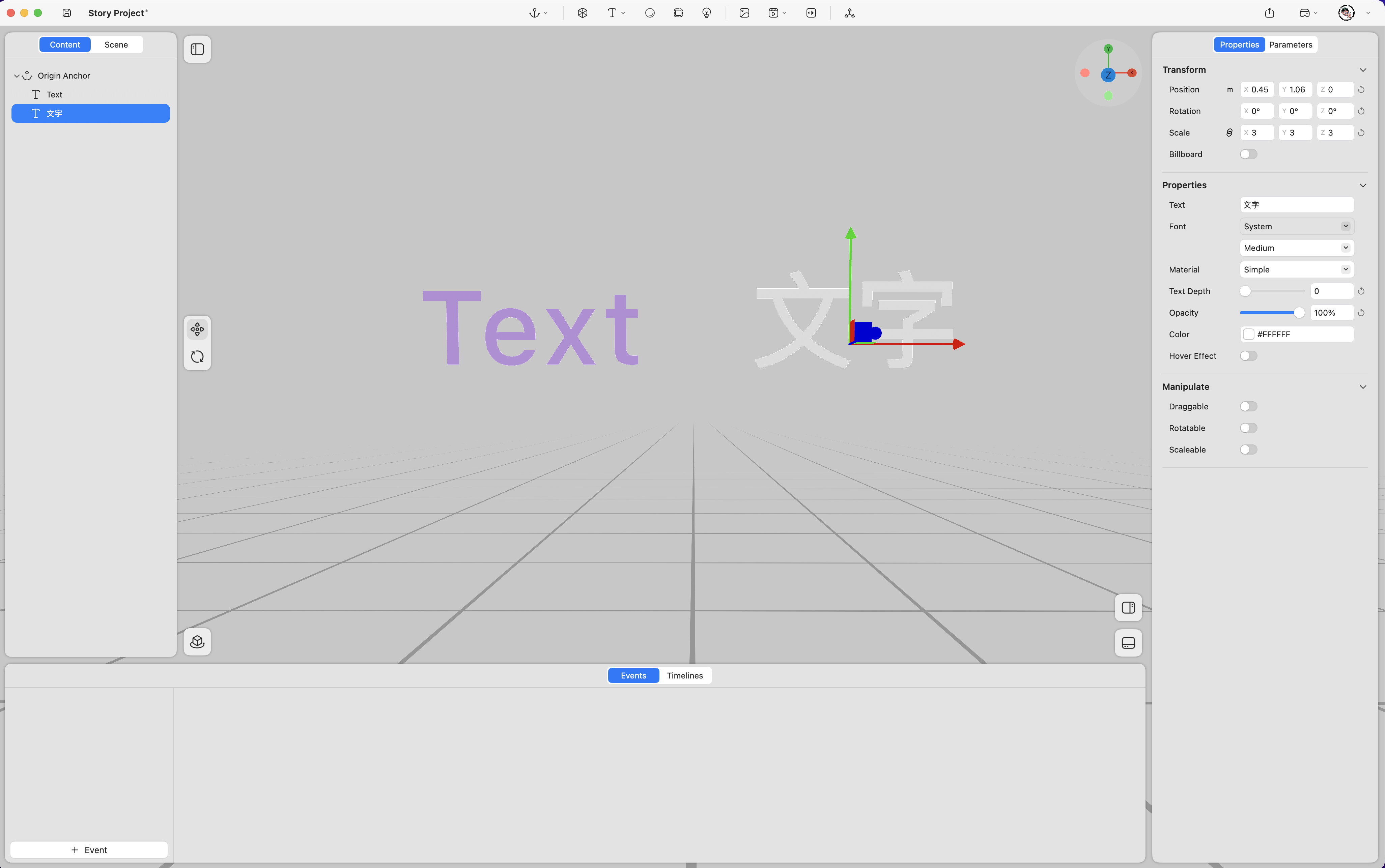
- Transform
-
Position – Adjusts the text’s position in space (unit: meters). (Keyframe support
 )
) -
Rotation – Adjusts the text’s rotation in space (unit: degrees). (Keyframe support
) -
Scale – Adjusts the text’s size (value “1” represents 100%). (Keyframe support
) -
Billboard – When enabled, the text automatically faces the viewer’s perspective at all times.
- Properties
-
Text – Edits the displayed text content.
-
Font – Adjusts the font style and weight.
-
Material – Switches between two material types:
- Unlit – Reflects ambient lighting.
- Simple – Does not reflect ambient lighting.
-
Text Depth – Adjusts the extrusion depth of the text.
-
Opacity – Adjusts the text’s opacity. (Keyframe support
) -
Color – Changes the text color.
-
Hover Effect – Highlights the text when selected.
- Manipulate
-
Draggable – Allows the text to be repositioned in space by dragging.
-
Rotatable – Allows the text to be rotated in space.
-
Scalable – Allows the text to be resized in space.